
Convert any audio to text in minutes
TubeOnAI transcribes any audio to text within minutes. Even if the audio is in a different language, our AI will transcribe it and provide the text in English.
Turn any audio to notes for free with AI. Create summaries, visual notes, study guides from the audio transcript in no time.
Simply upload your audio file or paste the Google Drive link into the search bar. TubeOnAI supports a wide range of audio formats, making it easy to get started.
Try for freeClick "Transcribe" to automatically generate accurate transcriptions. You can also edit your transcription within the web app.
Try for free
You can copy to clipboard or download the transcript as a pdf or text format, full flexibility within your hand.
Try for freeConvert audio to text effortlessly and unlock a 4x boost in your creative productivity - without breaking the bank. No Credit Card required.
TubeOnAI transcribes any audio to text within minutes. Even if the audio is in a different language, our AI will transcribe it and provide the text in English.
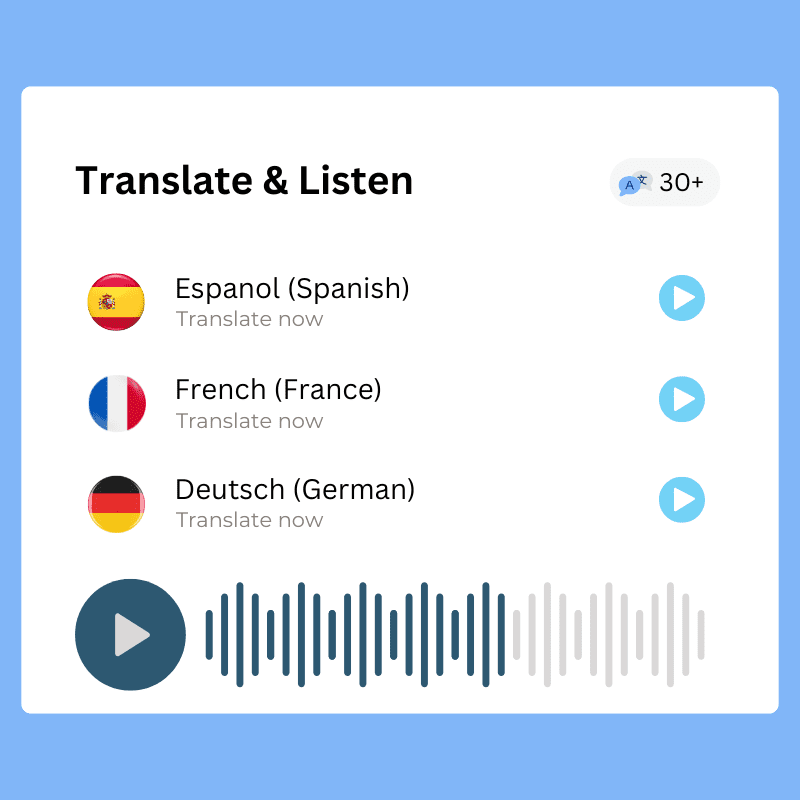
You can translate your audio summaries into 30 different languages and you can also listen to them in any language you want.

Use ask follow up question feature, unlock the advance learnings by going deeper into the summary.

Done summarizing? Now you can repurpose the summary into like blogs, articles, social media posts, quizzes and more amazing output from our custom prompt library.
With TubeOnAI, YouTubers, podcasters, and vloggers can easily convert their audio content into accurate text. This helps them create captions, video descriptions, and subtitles quickly, making their content more accessible and helping them reach a broader audience.
TubeOnAI allows students and researchers to transcribe audio lectures, interviews, and discussions into text in no time. This makes it easier to organize, review, and search key information - perfect for study sessions or research projects.
Business professionals can use TubeOnAI to transcribe meetings, webinars, and conference calls into text. This makes it easier to create summaries, improve collaboration, and keep accurate records of important conversations and decisions.
Upload your audio file or paste a Google Drive link, click "Transcribe" to automatically generate an accurate transcription, then copy it to your clipboard or download it as a PDF or text file.
Yes. TubeOnAI supports a wide range of audio formats, making it easy to get started no matter how your audio was recorded.
You can translate your audio summaries into 30 different languages, and you can also listen to them in any language you want.
Yes. TubeOnAI’s AI transcribes any audio to text within minutes, and even if the audio is in a different language it will transcribe it and provide the text in English.
TubeOnAI transcribes any audio to text within minutes, so you can convert both short clips and longer recordings into accurate text.
TubeOnAI generates accurate transcriptions within minutes of uploading your audio, and you can edit the transcription within the web app.