
TubeOnAI Summer Sale — Get 70% OffGrab Deal Now
AI Flashcard Generator

AI Flashcard Generator - TubeOnAI

Hand-writing 200 flashcards before finals is a lost weekend. The TubeOnAI AI flashcard generator drills any YouTube video, PDF, or article into ready-to-study cards in under 90 seconds. Same source also exports as a quiz, mindmap, or flowchart.

Available on
  • Web
  • iOS
  • Android
  • Chrome
AI Flashcard Generator - TubeOnAI

How to Generate Flashcard Using TubeOnAI

1
Drop In Your Source Content

Drop In Your Source Content

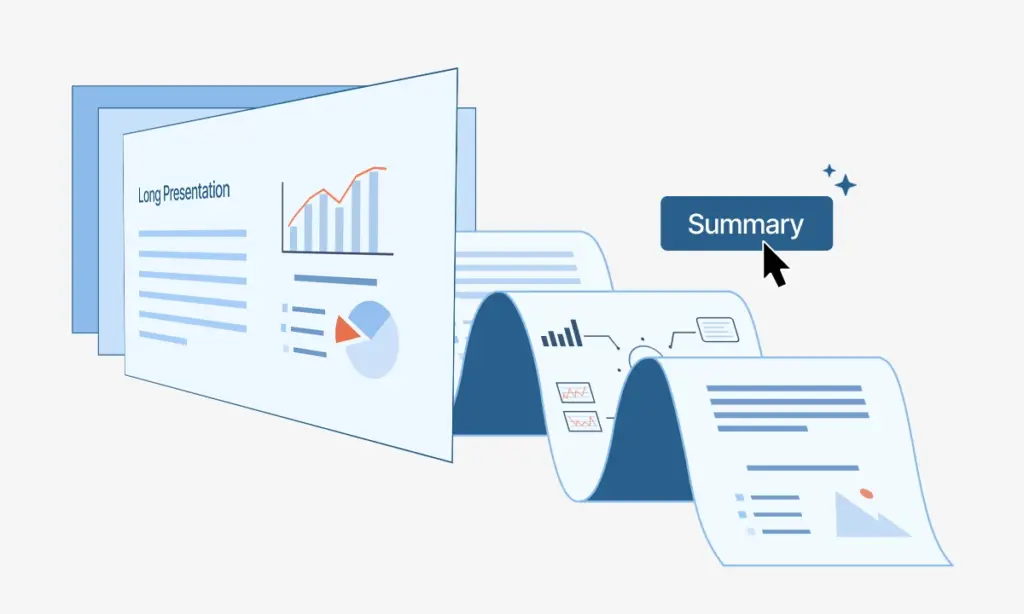
Drop in a YouTube link, a PDF or .docx, or an article URL. The AI flashcard generator reads the full source before pulling out the testable material.

2
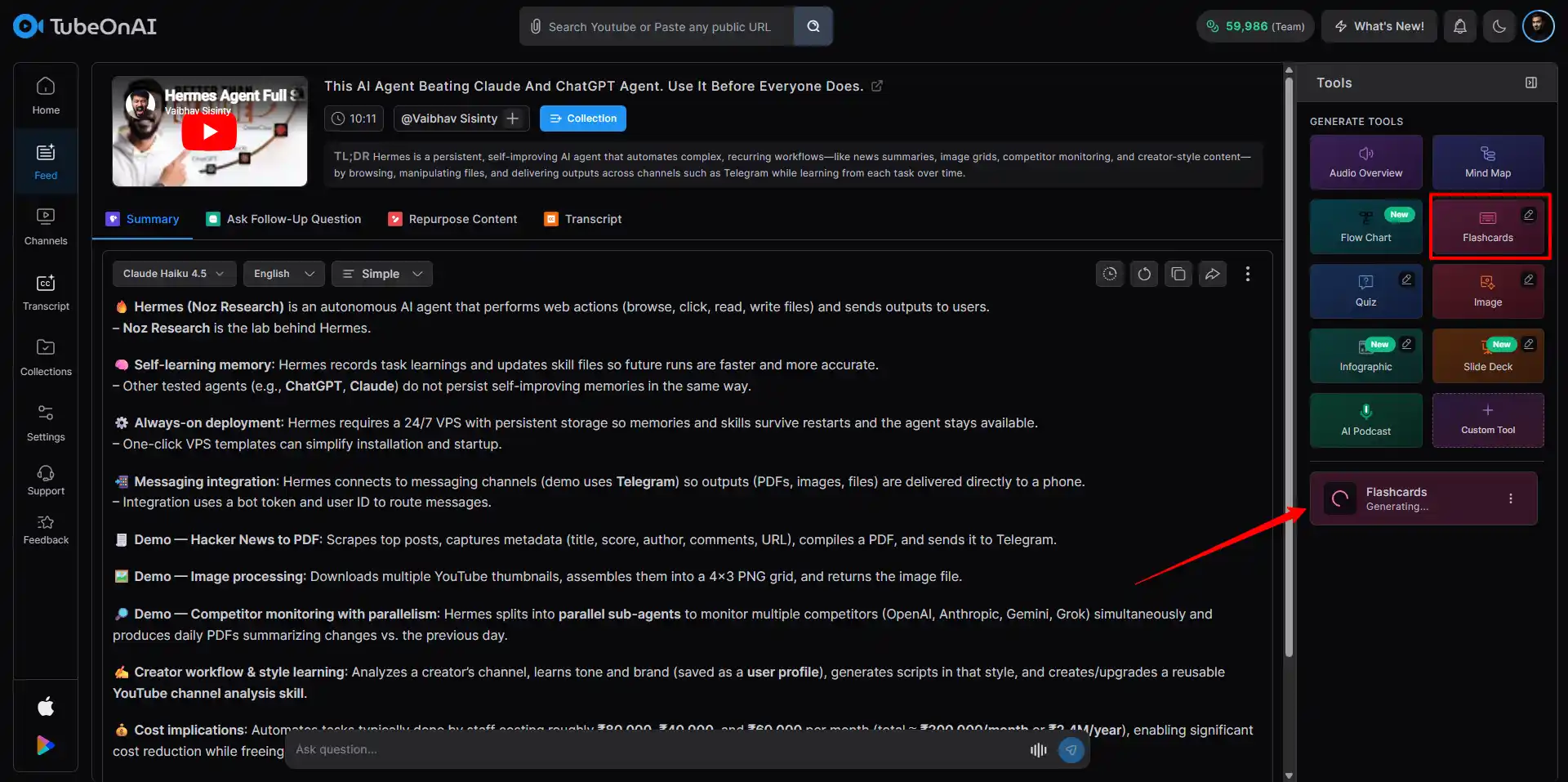
Click on Flashcard

Click on Flashcard

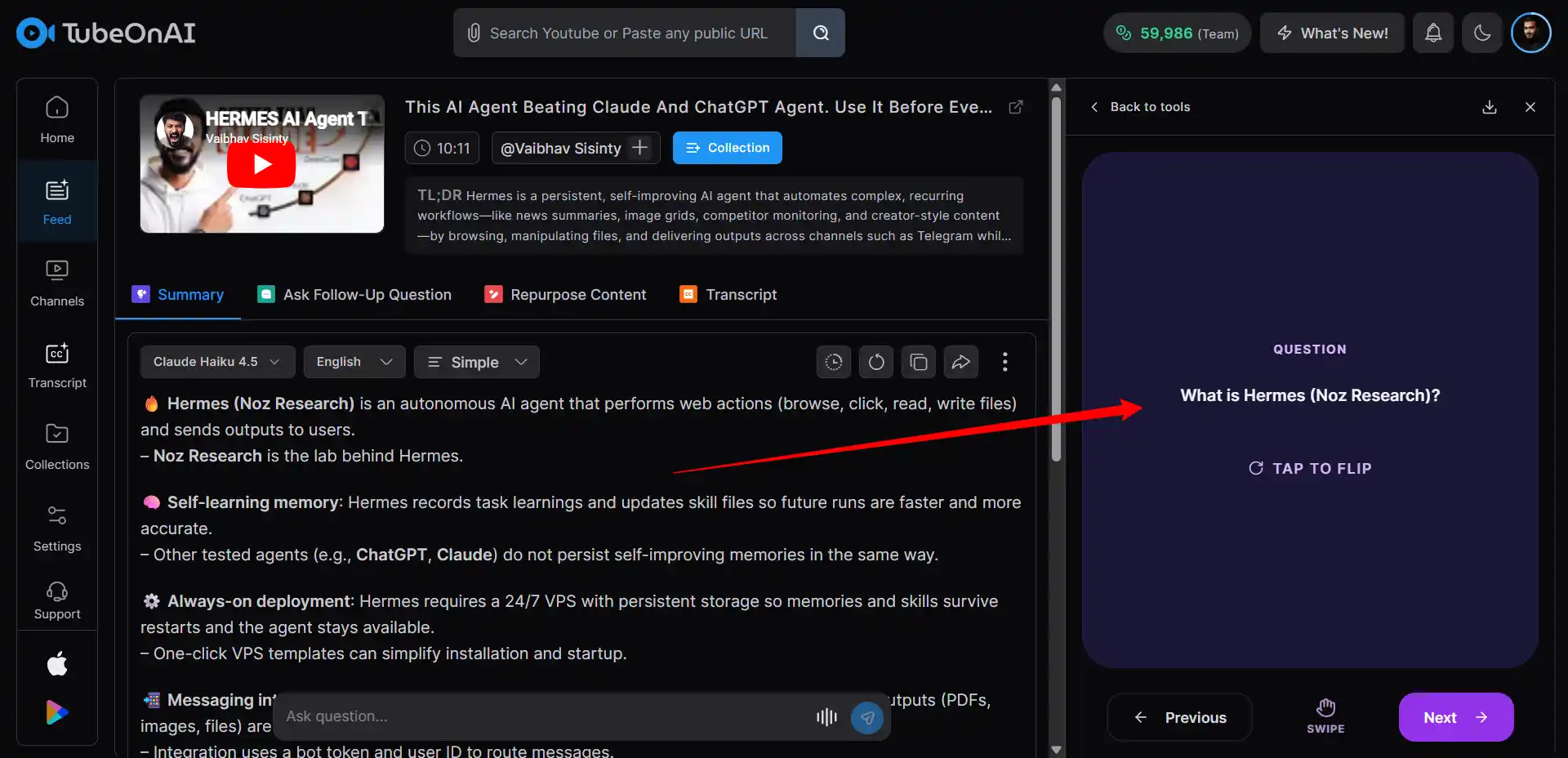
In under 90 seconds, the flashcard maker writes 50 to 200 question-answer pairs, groups them by topic, and tags every card. Edit fronts and backs in place. Regenerate any card that sounds robotic.

3

Export the Deck, or Pivot to Quiz, Mindmap, Flowchart

Save the deck as PPTx file. Embed it into Notion, your LMS, or a blog post. Or pivot the same source into a quiz, mindmap, or flowchart with no re-upload.

What the AI Flashcard Generator Actually Does

Skip the rewrite. The AI flashcard generator pulls term-definition pairs, dates, and testable facts from any source you drop in, then formats them as Anki-ready cards. Edit any card in place, regenerate weak ones, or pivot the same source into a quiz, mindmap, or flowchart.

Four Study Formats From One Upload

Four Study Formats From One Upload

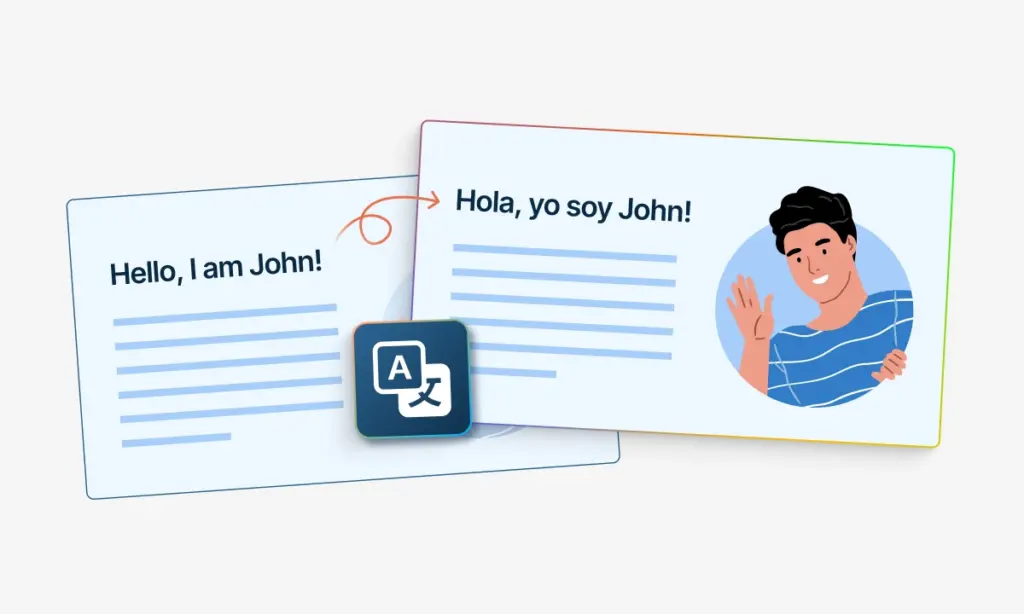
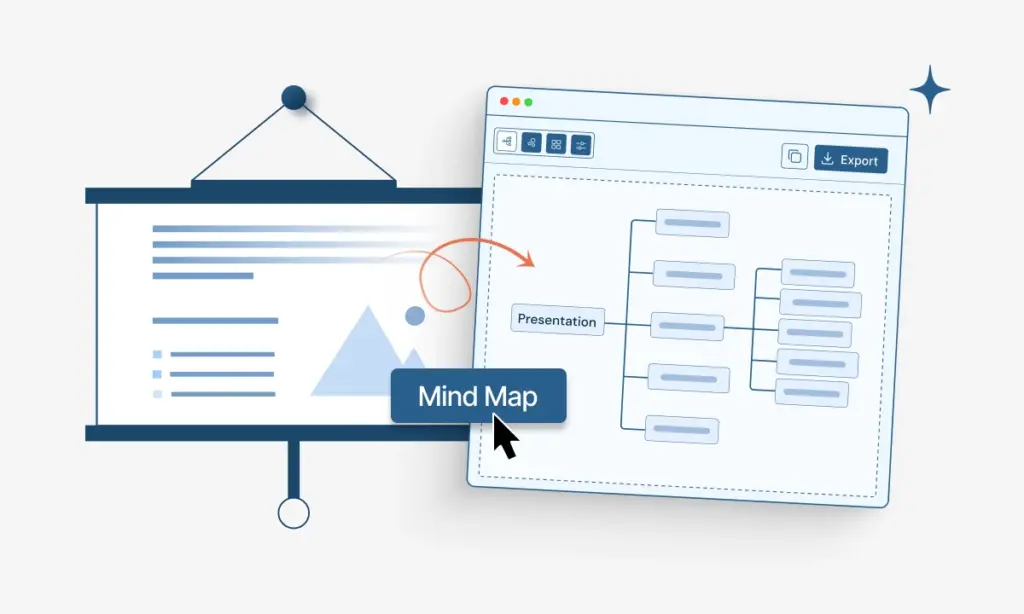
Why rewrite the same content four ways? The AI flashcard generator turns one source into flashcards for drilling, a quiz for recall testing, a mindmap for overview, and a flowchart for any process inside the material.
Drop the Flashcard Deck Into Anki, Notion, or Your LMS

Drop the Flashcard Deck Into Anki, Notion, or Your LMS

Copy the embed code. Paste it into Notion, Canvas, Moodle, WordPress, or your wiki. The flashcard deck stays interactive on the page: readers flip cards, tag known versus unknown, and resume where they left off. Quizzes, mindmaps, and flowcharts from the same source embed identically.

Export Formats: Anki APKG, CSV, JSON, and PDF

Export Formats: Anki APKG, CSV, JSON, and PDF

Pick your study app. Anki APKG drops into Anki desktop or AnkiMobile with tags and decks intact. CSV imports into Quizlet, Brainscape, or any spreadsheet study tool. JSON pipes the deck into your own automation or version control. PDF prints as offline study sheets. The AI flashcard generator covers all four.

Source to Flashcard Deck in Two Minutes Flat

Free to try. No credit card. Every run from the AI flashcard generator includes quizzes, mindmaps, flowcharts, and embed snippets, not paywalled extras.

Writing Flashcards by Hand vs. the AI Flashcard Generator

TubeOnAI
Writing by Hand
Cards from a 20-page source
50 to 200 in under 90 seconds
2 to 4 hours per 100 cards
Export to Anki APKG, CSV, JSON, PDF
One-click export
no
Pivot to quiz, mindmap, or flowchart
Same upload, no re-work
no
Card phrasing matches how you think
Sometimes too literal on dense sources
Exact match, you wrote it
Catches contradictions and gaps
Tends to skip them
You catch them while writing
Deep encoding from writing each card
no
yes

Where the AI Flashcard Generator Earns Its Keep

AI Flashcard Generator for Students Preparing for Exams

Cramming the night before is a coping strategy, not a study plan. The AI flashcard generator pulls 100+ review cards from a 40-page chapter in two minutes. Drill them in Anki, take the matching quiz the night before, walk into the exam already familiar.

AI Flashcard Maker for Teachers, Trainers, and L&D Leads

Skip the photocopier. Run your slides through the AI flashcard maker, generate a matching quiz, and embed both inside the Canvas module so students review before class instead of after the test. Spaced repetition built into homework.

AI Flashcard Generator for Creators and Knowledge Workers

Drop a research article or YouTube transcript into the AI flashcard generator and ship a study-deck companion with every long-form post. Newsletter readers click flashcards. Technical readers click flashcards. The deck pulls weight the article on its own does not.

What Real Users Say About the AI Flashcard Generator

Compliance worksheets gathered dust on the kitchen counter. I started running my session notes through this AI flashcard tool and emailing the deck. Patients drill on the bus and in line at the grocery store. Coping rules actually move from page to memory now.
Therapist and Author Therapist and Author
Every long-form video now ships with a study deck. I drop the script into this AI flashcard generator and the deck renders before the video uploads. Newsletter clicks on the deck link consistently beat clicks on the video itself.
Creator Creators
Two-hour bio lecture, finals on Monday. Pasted it into this free flashcard generator on a Thursday afternoon, got 180 cards before my coffee finished, drilled them in Anki across the weekend. Walked into the exam already familiar with every term on the test.
Student Student
Office hours used to overflow the week before midterms. I started running my lecture slides through this AI flashcard maker and embedding the deck inside the Canvas module. Students drill before class, not after the test. Quiz averages climbed almost a full letter grade.
Professor Professor
Two-week onboarding for a new analyst meant two weeks of context-switching for me. Every internal training video now runs through this AI flashcard generator and the deck lives in our wiki. New hires hit billable work on day six.
Data Analyst Data Analyst
Trading psychology books are dense and the rules slip out under pressure. I run each chapter through this AI flashcard tool, drill the rules in Anki for two weeks, and the rules actually fire when the trade goes sideways. Discipline shifted more from this than from any course.
Forex Trader Forex Trader

FAQs: AI Flashcard Generator

How does the TubeOnAI AI flashcard generator actually work?

Three steps. Paste a YouTube link, upload a PDF or .docx, or drop in an article URL. The AI flashcard generator reads the full source, pulls term-definition pairs and key concepts, and returns 50 to 200 question-answer cards in under 90 seconds. Edit any card in place, then export.

Which export formats does the flashcard generator support?

Four. Anki APKG for spaced repetition, CSV for Quizlet or Brainscape, JSON for programmatic pipelines, PDF for print study sheets. Tags and deck structure survive the Anki and CSV exports.

Can the same source produce a quiz, mindmap, or flowchart too?

Yes. Once the file is uploaded, the AI flashcard generator pivots into a quiz, mindmap, or flowchart from the same content with no re-upload. Switch formats inside the workspace.

Why does Anki APKG export matter?

Anki is built around spaced repetition, the science behind why flashcards actually work. APKG lands directly in Anki desktop or AnkiMobile with decks, tags, and card formatting intact. CSV is best for Quizlet or Brainscape. JSON exists for piping cards into your own tooling or version control.

Which source content gives the cleanest flashcard output?

Structured material with clear definitions, named concepts, dated events, or step-based processes wins. Textbook chapters, research papers, lecture videos with on-screen slides, technical docs, and reference articles produce the highest-yield decks. Loose conversational sources still work, just with fewer testable cards.

Can I regenerate the deck if the first cards miss?

Yes, often. Hit Regenerate, optionally adjust card length (short, standard, or cloze), and the AI flashcard generator rebuilds the deck from the same source. Versions sit side by side for comparison.

Turn any source into a study deck for free

Get Started Free