
Efficiency
The summary TubeOnAI provides brings efficiency to the information.
Summarize Google Drive videos using AI and learn essential insights in minutes. Sifting through hours of video content can be time-consuming. TubeOnAI makes things easier with one click: insert the video link, click the 'Summarize' option, and let the app handle the rest.
Summarizing videos stored in Google Drive is time-consuming, especially with lengthy content like meetings, lectures, or training sessions. TubeOnAI is the best video summarizer that can extract the most important information for you from the drive video.
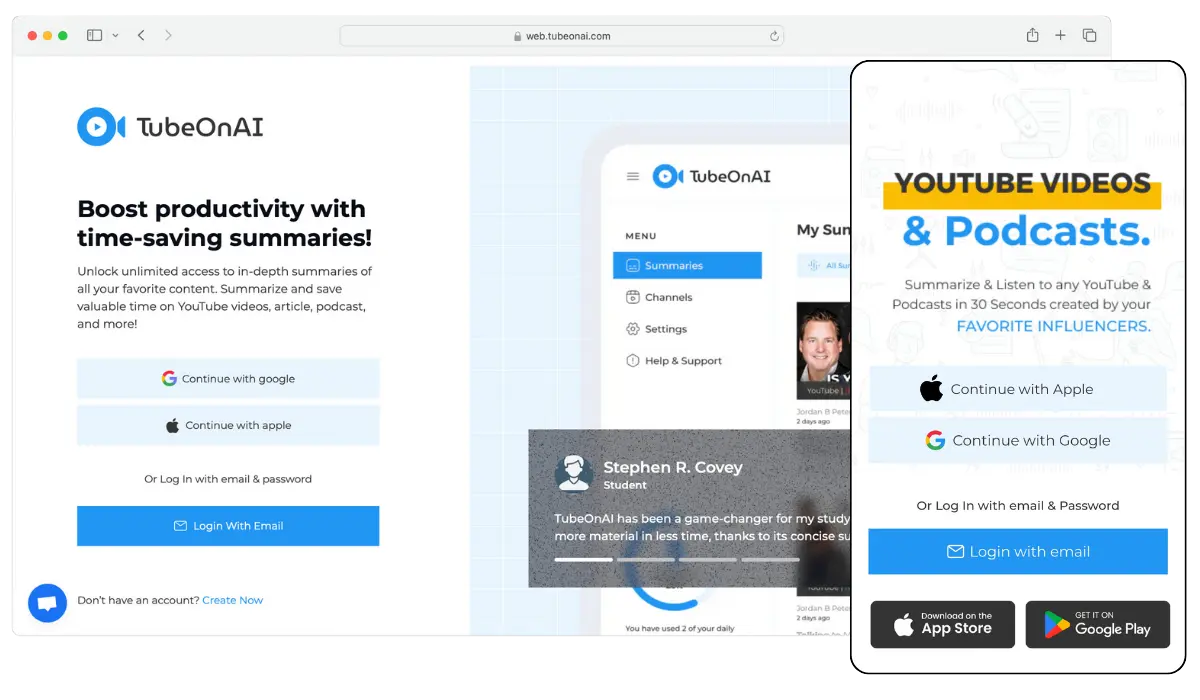
First, log into your TubeOnAI account. If you don't have an account yet, sign up first. The app's user-friendly interface makes navigation straightforward, even for new users. Once logged in, you'll see the main dashboard, where all summarization options are accessible.
Try for freeLook for the "New Summary" option on the dashboard at the top right corner. This feature is designed for those who need a fresh, organized approach to summarizing new content. Click on this option to begin the process.
Try for freeOnce you click the "New Summary" option, you'll notice a search box prominently displayed. You can directly provide the link to your Google Drive video here. While sharing the link, ensure everyone has access to it. Making it public will be your first course of action before submitting it.
Try for freeAfter you add the video link, you can simply click the 'Summarize' option. Then the app will provide you with a section-wise summary containing important input information.
Try for freeOnce the summary is generated, please take a moment to review it. If there's any customization you need, you can do it as well.
Try for freeWhen you have videos stored in Google Drive, summarizing them can save you much time and effort. Whether you're reviewing long meetings, lectures, or tutorials, a quick summary grasps the key points without having to watch the entire video.
The summary TubeOnAI provides brings efficiency to the information.
Summaries highlight important points that help you concentrate on what matters most.
Summarized content makes it easy to revisit key ideas, which is great for studying or meeting preparation.
Breaking down complex topics into concise summaries improves comprehension and retention.
Having summaries available makes it easier to share and collaborate so that everyone can quickly access the main ideas.
Summarizing Google Drive videos with TubeOnAI has numerous benefits. The app increases the efficiency of your work and highlights the key points of your input quite nicely. See what other benefits it provides.
Quickly get key points from long videos, so you can focus on what matters without spending hours watching.
Enjoy structured summaries that organize information into easy-to-understand parts.
Concise summaries help you grasp and remember the main ideas for better learning.
With quick summaries, you can easily revisit key points, making reviews for exams or presentations simpler.
Streamlined video summarization lets you spend more time on important tasks or projects.
To summarize a video, you can either do it manually by watching the video and taking notes on key points, or you can use an AI tool like TubeOnAI. Simply upload the video to TubeOnAI, select any customization options, and let the app generate a concise summary for you.
Several AI tools can summarize videos, including TubeOnAI, Descript, and Vidyo.ai. These tools analyze video content and extract key information to create concise summaries. TubeOnAI especially saves much time and focuses on the most important parts.
Google Drive does not have built-in features to track video views. However, you can use Google Analytics or other tracking tools by inserting the video on a website. Alternatively, consider using video hosting platforms like YouTube or Vimeo, which provide detailed analytics.
Yes, after TubeOnAI generates a summary, you can review and edit it as needed. If you feel that some important points are missing or want to make adjustments, refine the summary directly within the app before saving or sharing it. After that, the app will provide a summary that meets your requirements.