
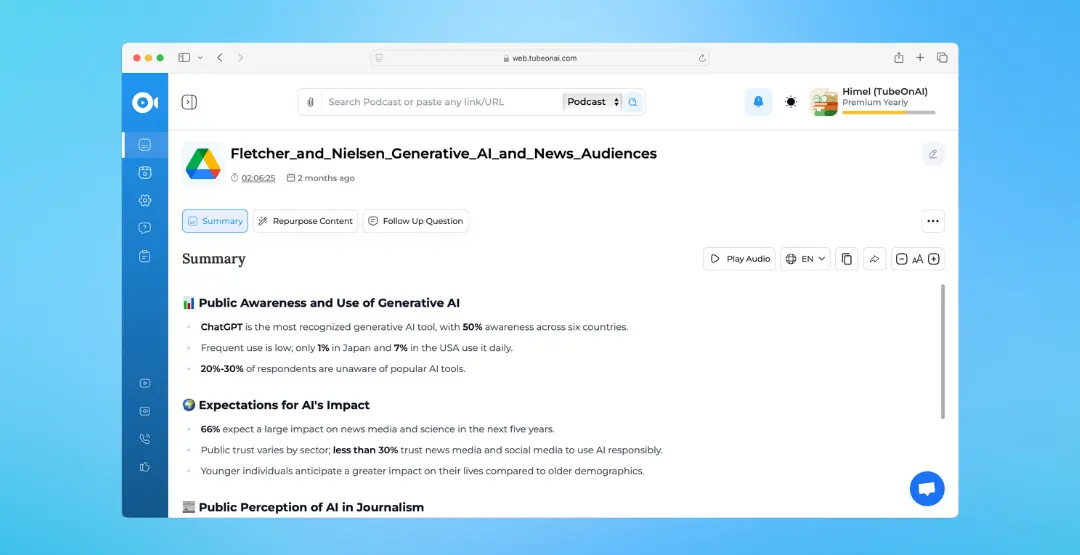
Summarize Any Types of Content
With TubeOnAI, you can easily summarize any type of content stored in your Google Drive. Our powerful AI technology can process various file formats, including documents, presentations, videos, and more.
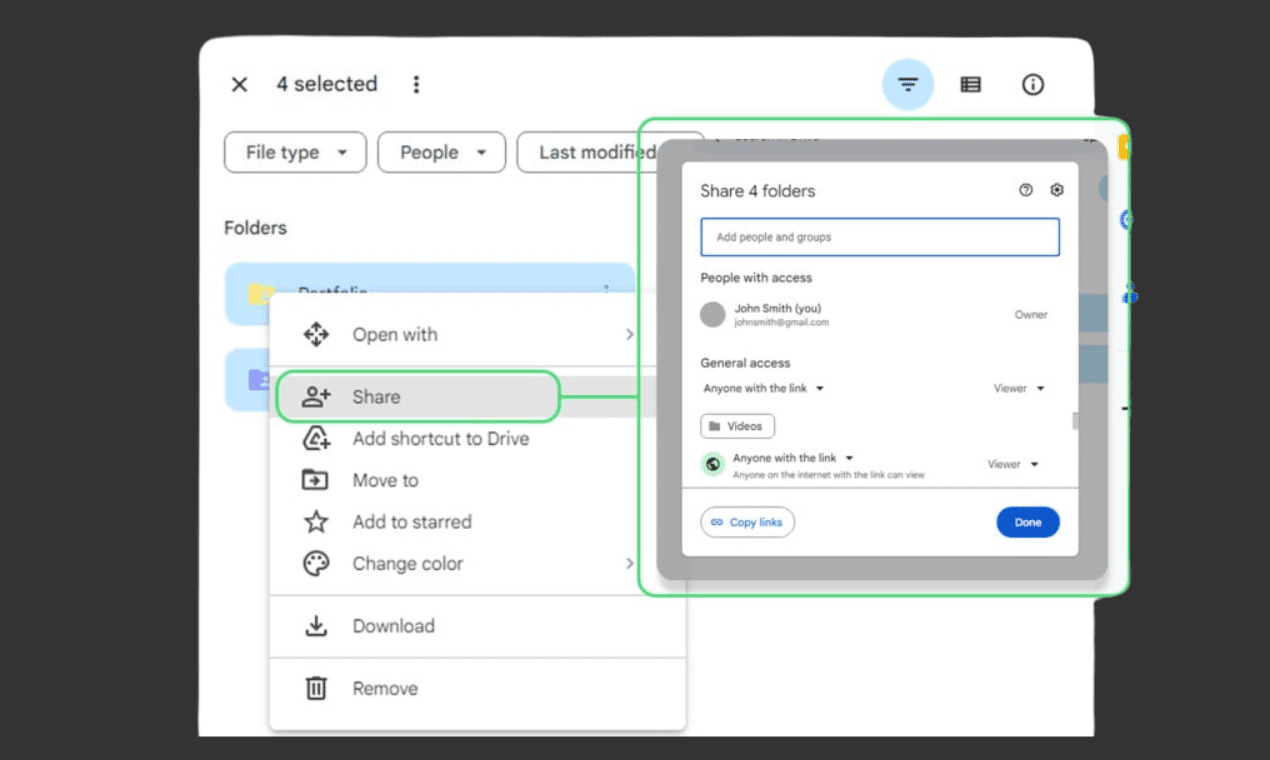
Easily summarize any Google Drive file by simply sharing its link. Regardless of the content, repurpose it with ease. Ensure that the file has full access enabled for summarization.
With TubeOnAI, you can easily summarize any type of content stored in your Google Drive. Our powerful AI technology can process various file formats, including documents, presentations, videos, and more.
With TubeOnAI, you can easily summarize any type of content stored in your Google Drive. Our powerful AI technology can process various file formats, including documents, presentations, videos, and more.
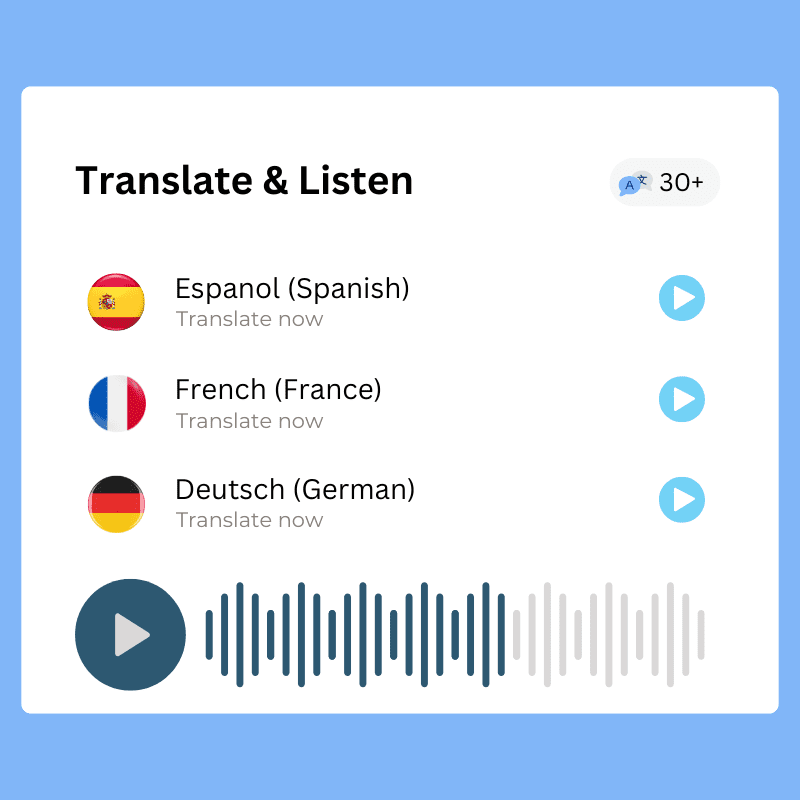
Translate summaries of Drive content into over 30 different languages, export them as PDFs, or get ahead while listening on the go!
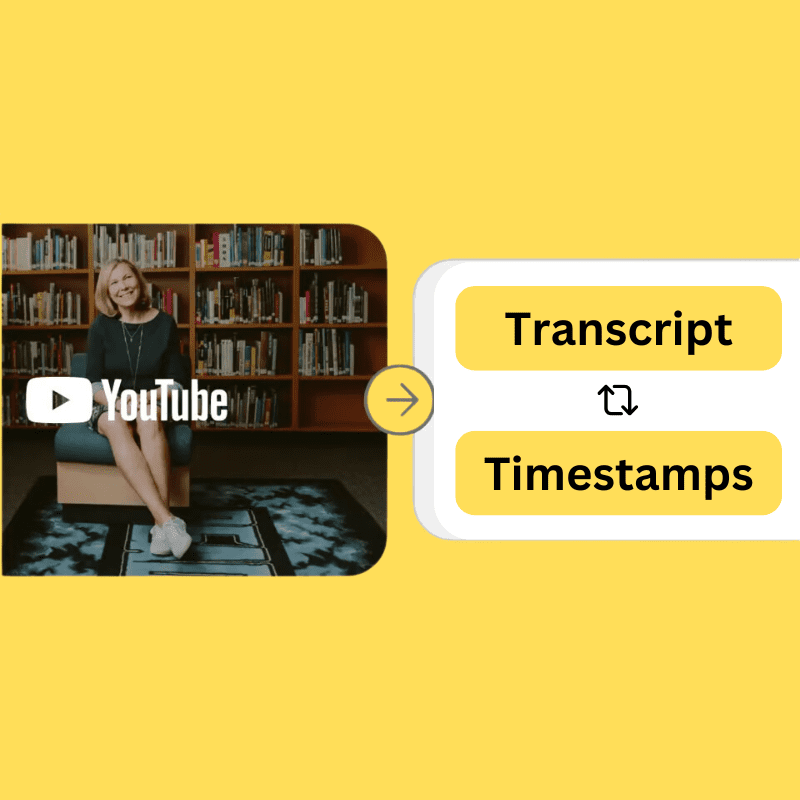
With summaries, you will also receive the complete transcript of any media files you upload. That will be cleaner, with punctuation, and easy to copy.

With a single click, users can convert any file from their Drive into over 150 different content types and translate in any language they want.
With TubeOnAI, you can also easily summarize Google Doc files without even uploading them to your Drive. Just share the link directly and summarize with ease.
Store your drive files or videos in a personalized, categorized collection. You can then repurpose or request bulk follow-ups. Never lose sight of your important documents.
Beyond summarization, TubeOnAI also enables you to interact with your files in a more conversational manner. Through a chat interface, ask questions and receive relevant responses.
Create a free account on TubeOnAI to generate summaries of google drive files for free. No credit card required.
Try for free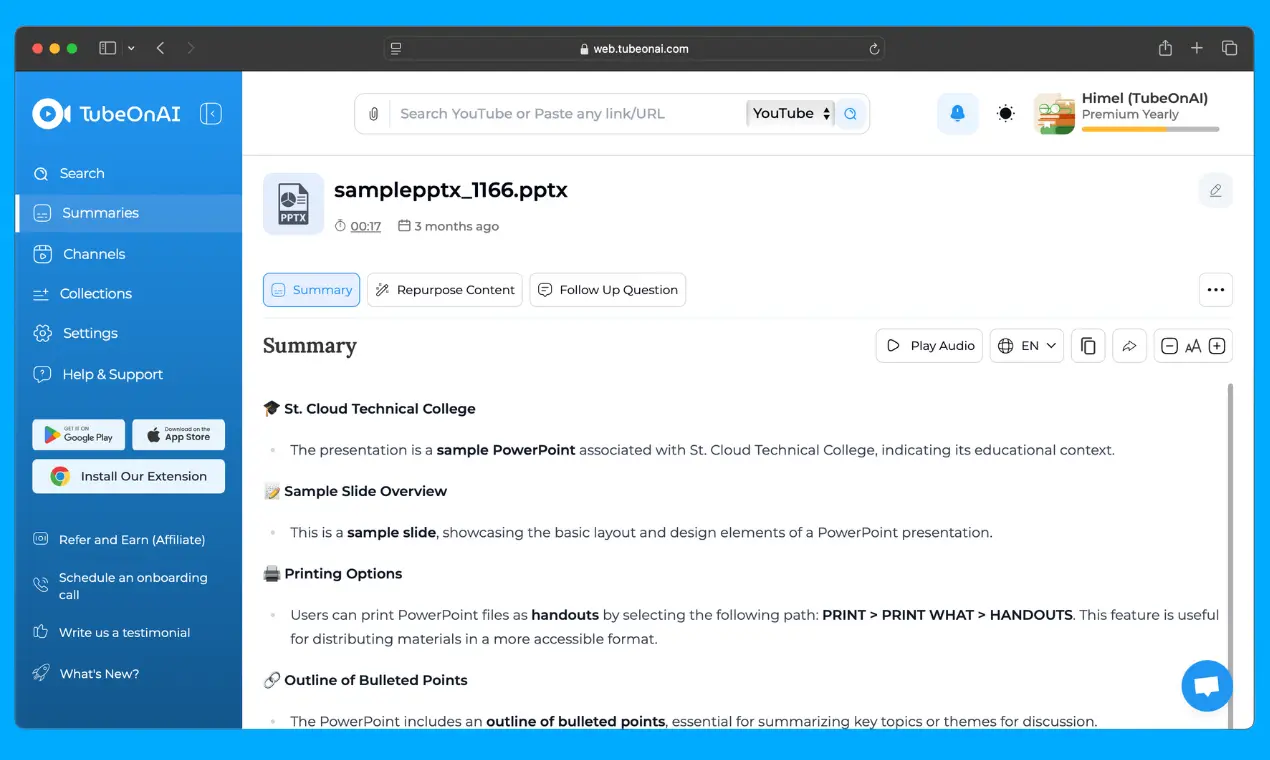
Copy the link to your Drive file (ensuring you grant full edit access), then go to the TubeOnAI search bar and paste the link.
Try for freeClick on "Summarize Now". Then enjoy reading your drive file summaries in your native language.
Try for freeTubeOnAI For Anyone, Anywhere. Summarize lengthy Drive videos, Google Docs, presentations, text files, PDFs, and more in a short amount of time and stay ahead of everyone.
Quickly summarize textbooks, research papers, and online articles to extract key points. Create study guides and flashcards from summarized content. Analyze lecture recordings to identify important topics.
Summarize lengthy reports, emails, and meeting notes to extract key information. Stay updated on industry trends and news through article summaries. Analyze market data and competitor insights.
Generate ideas and conduct market research by summarizing competitor content. Analyze audience preferences through social media and blog posts. Create engaging content outlines based on summarized information.
Improved decision-making and business growth. Analyze market trends and competitor activities. Summarize customer reviews and feedback. Research industry best practices.
Efficient information management and knowledge retention. Organize and summarize research materials, articles, and reports. Create personal knowledge bases. Quickly find relevant information when needed.
Efficiently process large volumes of academic papers and reports. Extract key findings and data for analysis. Identify research gaps and potential collaborations.
TubeOnAI can summarize any type of content stored in your Google Drive, including documents, presentations, videos, text files, PDFs, and Google Docs. You can even summarize Google Doc files directly via their link without uploading them to your Drive.
TubeOnAI uses powerful AI technology to deliver clean, accurate summaries along with the complete transcript of any media files you upload — with proper punctuation and easy to copy.
Yes. TubeOnAI efficiently processes large volumes of academic papers and reports, helping you extract key findings and data for analysis and identify research gaps.
Yes. To summarize a Drive file, copy its link and ensure you grant full edit access, then paste the link into the TubeOnAI search bar to generate your summary.