
Minimum Video Length
The video should be at least 2 minutes long to generate a transcript and summary. Shorter videos may not have enough content for an accurate summary.
Long videos offer more detailed information and better insights. Instead of spending a lot of time watching the entire video, you can use an AI Summarizer to capture the main points quickly. TubeOnAI's Facebook video summarizer is a great help for this.
Download the video using a trusted third-party tool. Ensure the tool is safe and does not compromise your data.
Try for free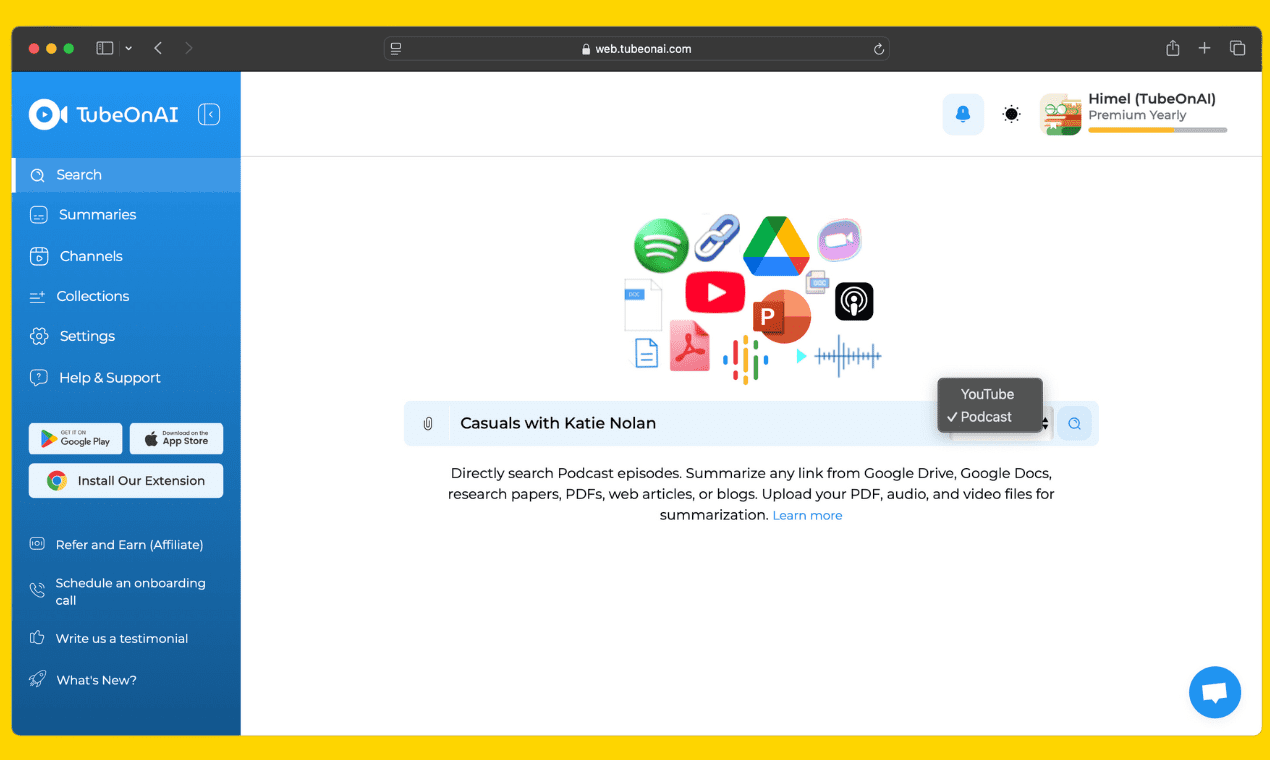
Upload the video to Google Drive and change its sharing settings to "Anyone with the link can edit."
Try for free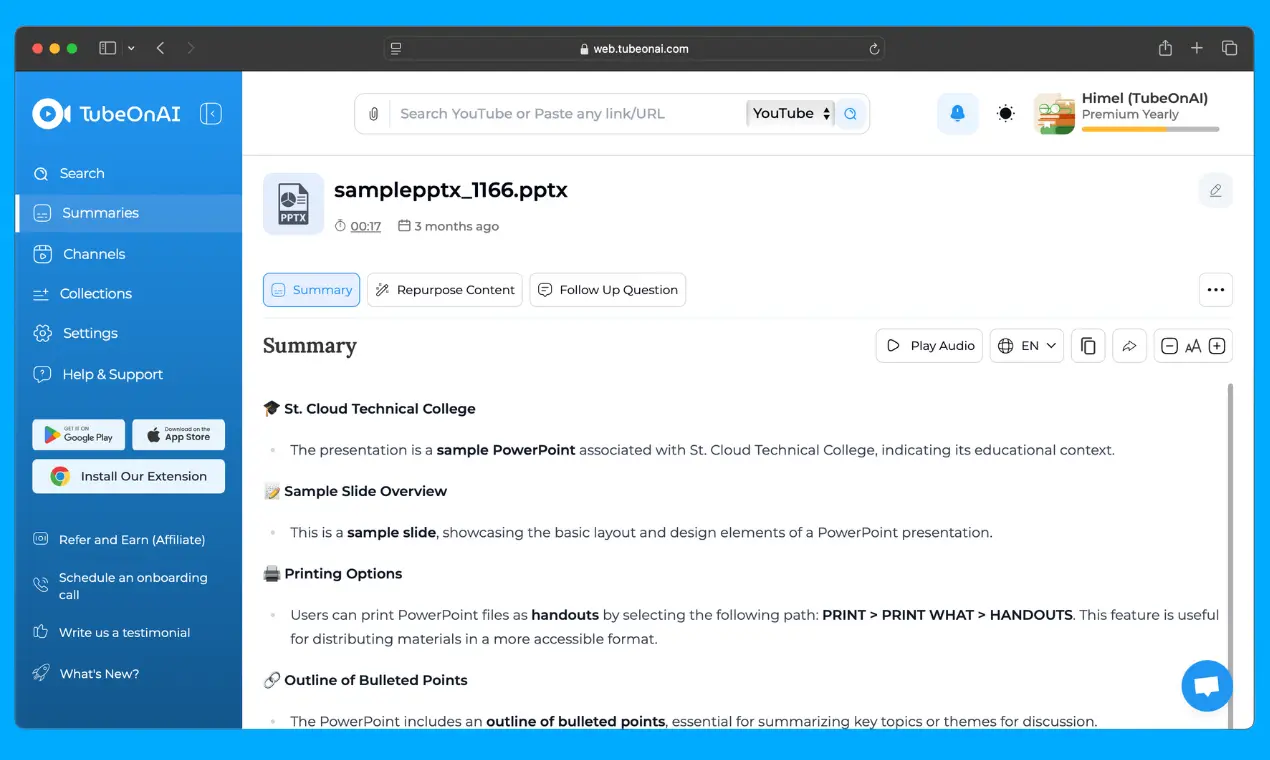
Paste the Google Drive link into the dashboard, and click the Summarize & wait for a few seconds.
Try for freeCreate a free account or log in to TubeOnAI to summarize facebook videos for free. No credit card is required.
Try for freeCopy the Facebook video URL from the browser or App. Paste the URL into the search box on TubeOnAI's dashboard.
Try for freeClick on Summarize Now. Then, enjoy reading the summaries in your native language.
Try for freeThe video should be at least 2 minutes long to generate a transcript and summary. Shorter videos may not have enough content for an accurate summary.
AI-generated summaries depend on the quality of the captions and audio. If a video has poor audio quality or lacks captions, the summary may not be as accurate.
Some private or restricted videos may not be accessible for summarization. Ensure that the video you are trying to summarize is public or has the necessary permissions enabled.
Students and researchers often deal with long lectures, tutorials, and documentaries. A Facebook video summarizer helps them extract key insights quickly, making note-taking and studying more efficient. Instead of spending hours watching videos, they can get concise summaries with timestamps for easy reference.
Busy professionals don't always have time to watch long Facebook videos, especially when seeking specific information. With TubeOnAI, they can get a summary of the video's content, allowing them to stay informed without spending too much time watching it.
Journalists and media analysts must quickly process information from news reports and interviews. TubeOnAI helps them summarize Facebook videos efficiently, speeding up research and reporting. The ability to extract transcripts with timestamps also aids in verifying facts.
Content creators can use TubeOnAI to quickly generate engaging blog posts, tweets, and podcast scripts from Facebook videos. Instead of watching an entire video to extract information, they can use the summarizer to get key points instantly, saving time and effort.