
TubeOnAI Summer Sale — Get 70% OffGrab Deal Now
PDF Transcript Generator

PDF Transcript Generator - TubeOnAI

Extract text from PDF documents in seconds and turn it into clean, searchable, reusable transcripts with TubeOnAI.

Available on
  • Web
  • iOS
  • Android
  • Chrome

How to Generate a PDF Transcript

1
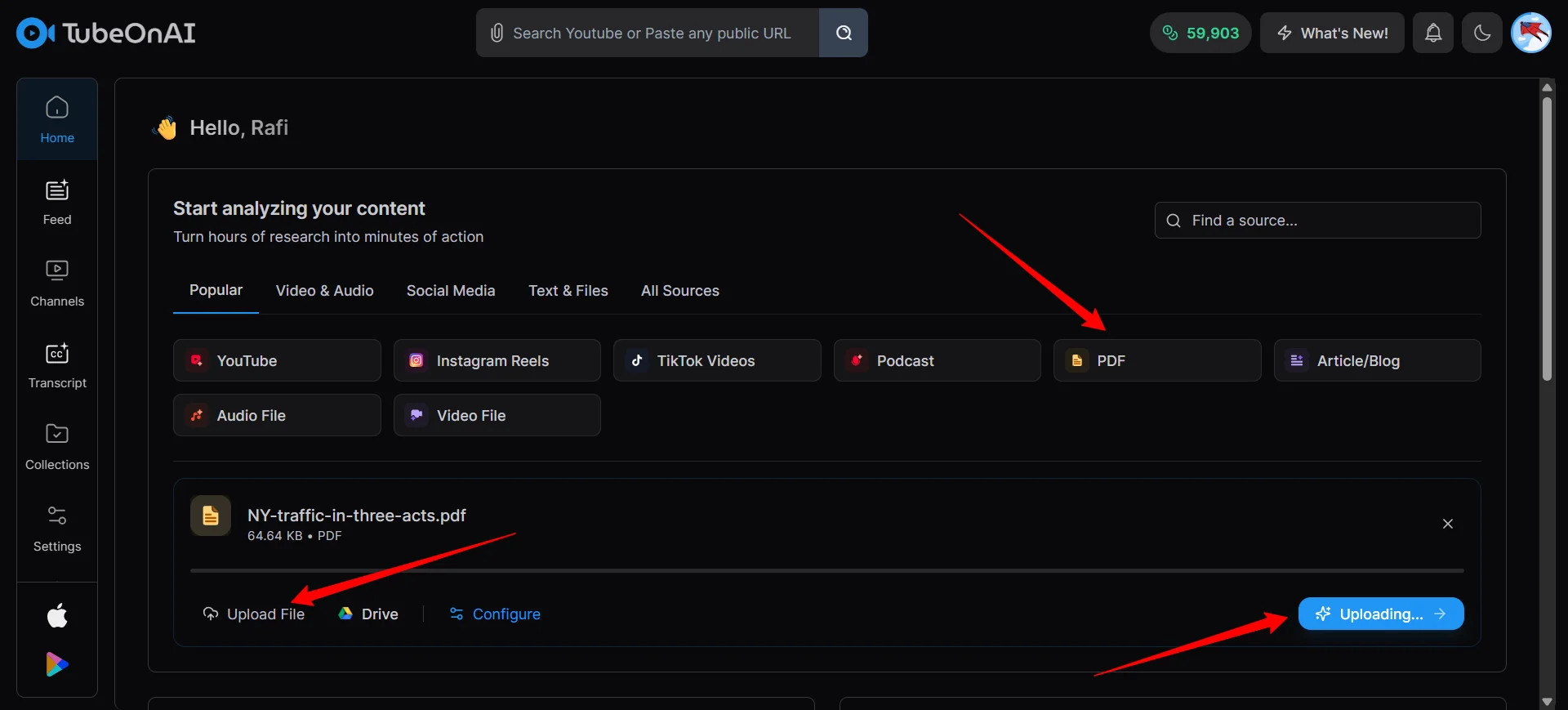
Upload the PDF file

Upload the PDF file

Upload your PDF document to TubeOnAI. It works well for reports, ebooks, study notes, research papers, whitepapers, and more.

2
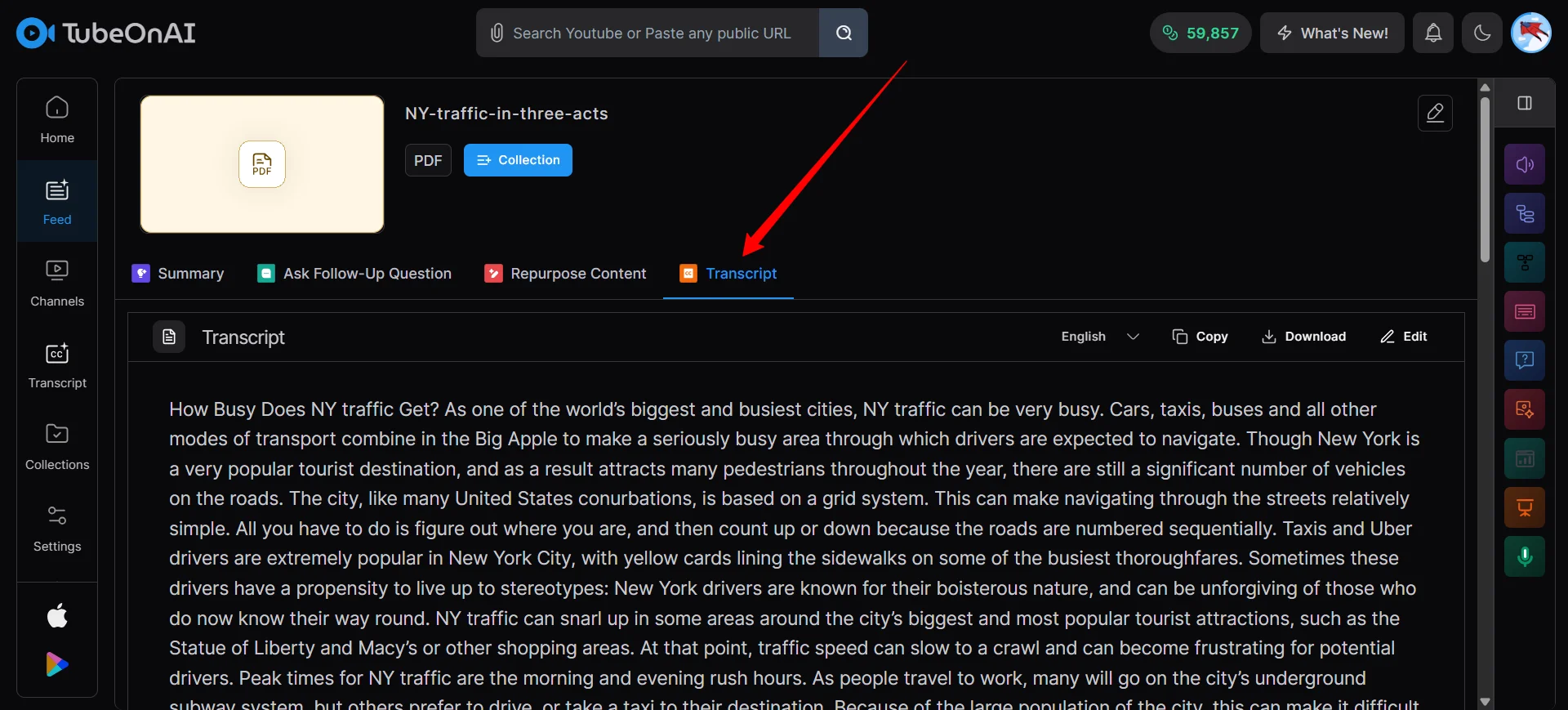
Get Your Transcript

Get Your Transcript

TubeOnAI pulls the text from your PDF and helps clean up broken line breaks, odd spacing, and formatting issues.

3
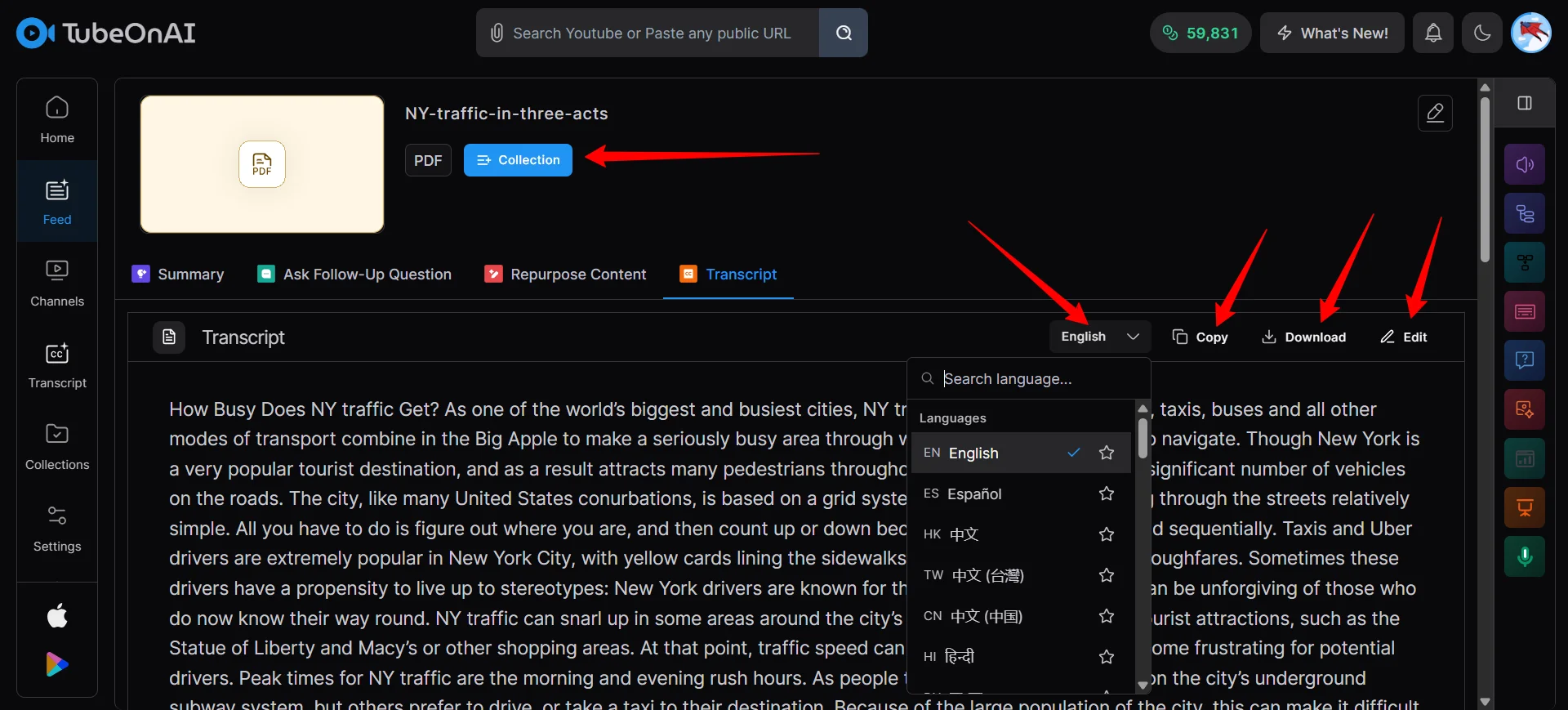
Edit, Download or Share the Transcript

Edit, Download or Share the Transcript

Use the extracted transcript as plain text, create a summary, translate it, or repurpose it into new content assets.

Turn PDF Files into Clean, Usable Text

TubeOnAI helps you extract text from PDF documents faster without the mess of broken formatting and manual cleanup. Use the transcript to summarize reports, translate documents, organize notes, and repurpose long PDFs into content you can actually use.
Turn PDF Files into Clean, Usable Text

Turn PDF Files into Clean, Usable Text

TubeOnAI helps you extract text from PDF documents faster without the mess of broken formatting and manual cleanup. Use the transcript to summarize reports, translate documents, organize notes, and repurpose long PDFs into content you can actually use.

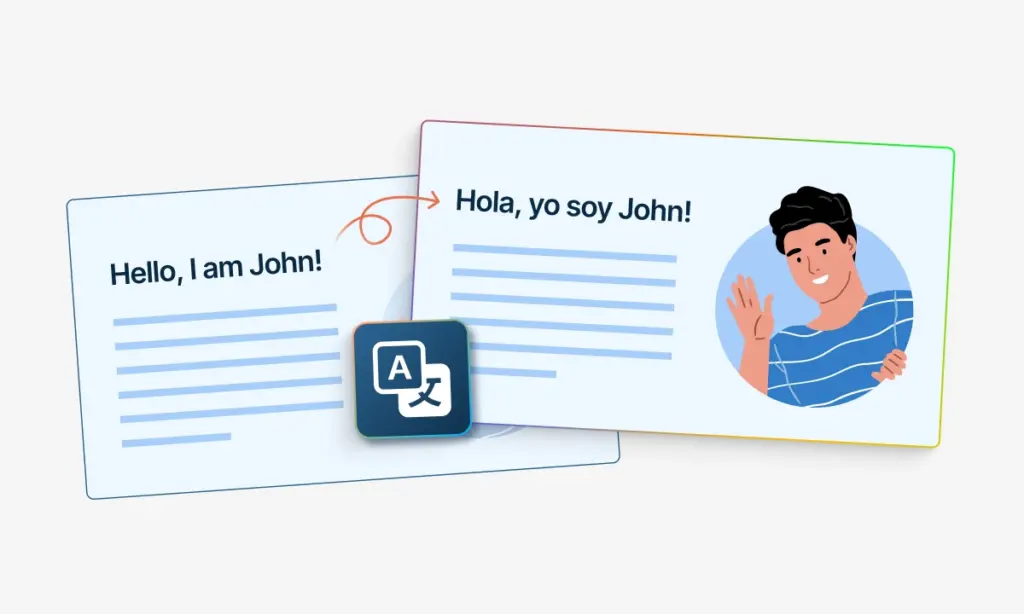
Translate PDF Transcripts Into Multiple Languages

Translate PDF Transcripts Into Multiple Languages

Translate extracted PDF text into other languages so teams, students, and document authors can reuse the same document more effectively.

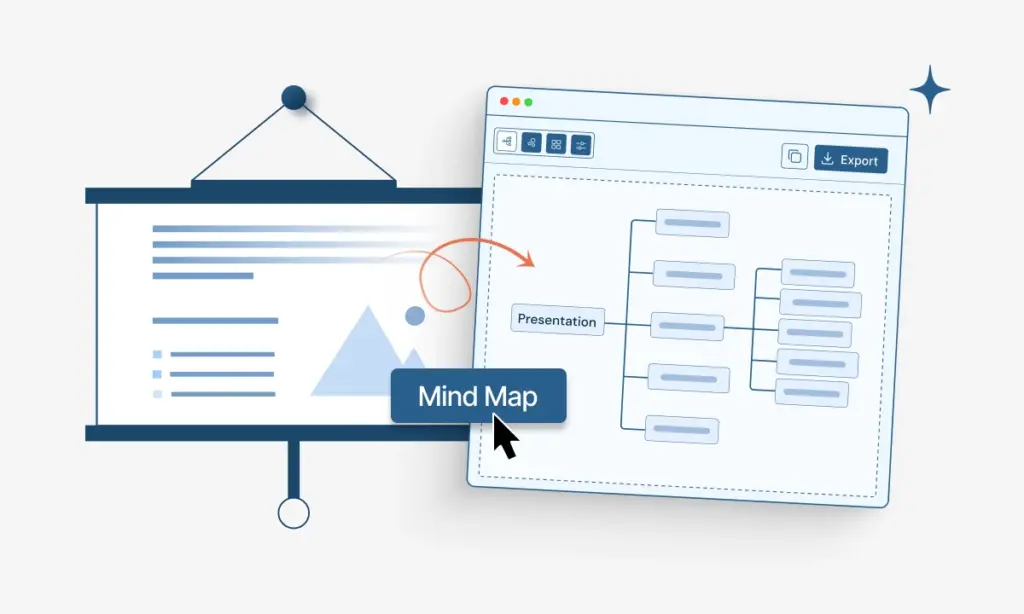
Repurpose PDF Transcripts Into New Content

Repurpose PDF Transcripts Into New Content

Turn PDF transcripts into article drafts, study notes, newsletters, internal documentation, and other useful assets.

Send PDF Transcripts Into Your Workflow

Send PDF Transcripts Into Your Workflow

Keep extracted transcripts organized so they are easier to search, review, share, and reuse across projects.

Generate PDF Transcripts with TubeOnAI

Upload a PDF and get clean text you can summarize, translate, organize, and repurpose faster.

Who Can Benefit From a PDF Transcript Generator

Students and Researchers

Extract text from papers, reading materials, and study documents so key information is easier to review.

Get a cleaner transcript from the PDF

Summarize long documents faster, search transcripts for keywords and claims, and share transcript text with your team for review.

Translate research into your preferred language

Organize study material more efficiently, extract lines for subtitles and on-screen text, and export text, SRT, or VTT for Premiere and Final Cut.

FAQs About PDF Transcript Generator

What formats does TubeOnAI export for PDF transcripts?

TubeOnAI helps you extract clean text from PDF documents so you can reuse it as plain text for editing, note-taking, summarizing, translation, and repurposing workflows.

How do timestamps help with PDF transcripts?

If your workflow involves time-linked source material connected to a PDF-based process, timestamps make it easier to locate, review, and organize information faster.

Can I turn a PDF transcript into summaries, notes, or blog drafts?

Yes. After extracting the PDF text, you can summarize it, turn it into notes, build outlines, create blog drafts, or repurpose it into other written assets.

Is this PDF transcript generator useful for research or study workflows?

Yes. Students, researchers, and professionals can use TubeOnAI to extract readable transcript text from PDFs and reuse it for study, documentation, and reference workflows.

Can I translate extracted PDF transcript content?

Yes. Once the text is extracted, you can translate it, simplify it, summarize it, or adapt it for different audiences and use cases.

Generate clean PDF transcripts for free

Get Started Free