TubeOnAI Summer Sale — Get 70% OffGrab Deal Now
Google DOC Summarizer

Google DOC Summarizer | Free & AI-Powered

Transform how you manage Google Docs with TubeOnAI. Cut through information overload instantly with our fastest one-click summarization tool that works right in your browser. Simple, powerful, and free to use on any device.

Available on
  • Web
  • iOS
  • Android
  • Chrome

Feature

Everything you need to turn your Google Docs into concise, useful summaries.

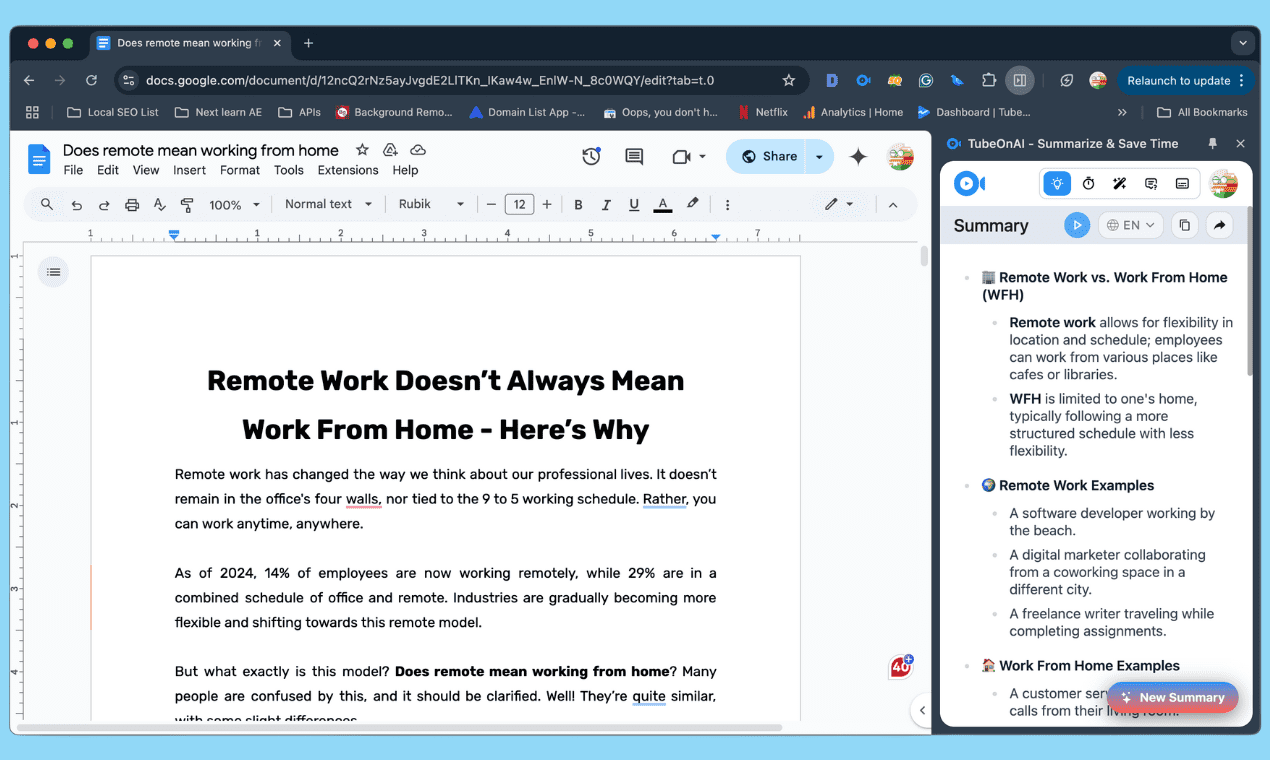
Summarize Google DOC Files without leaving the tab

Summarize Google DOC Files without leaving the tab

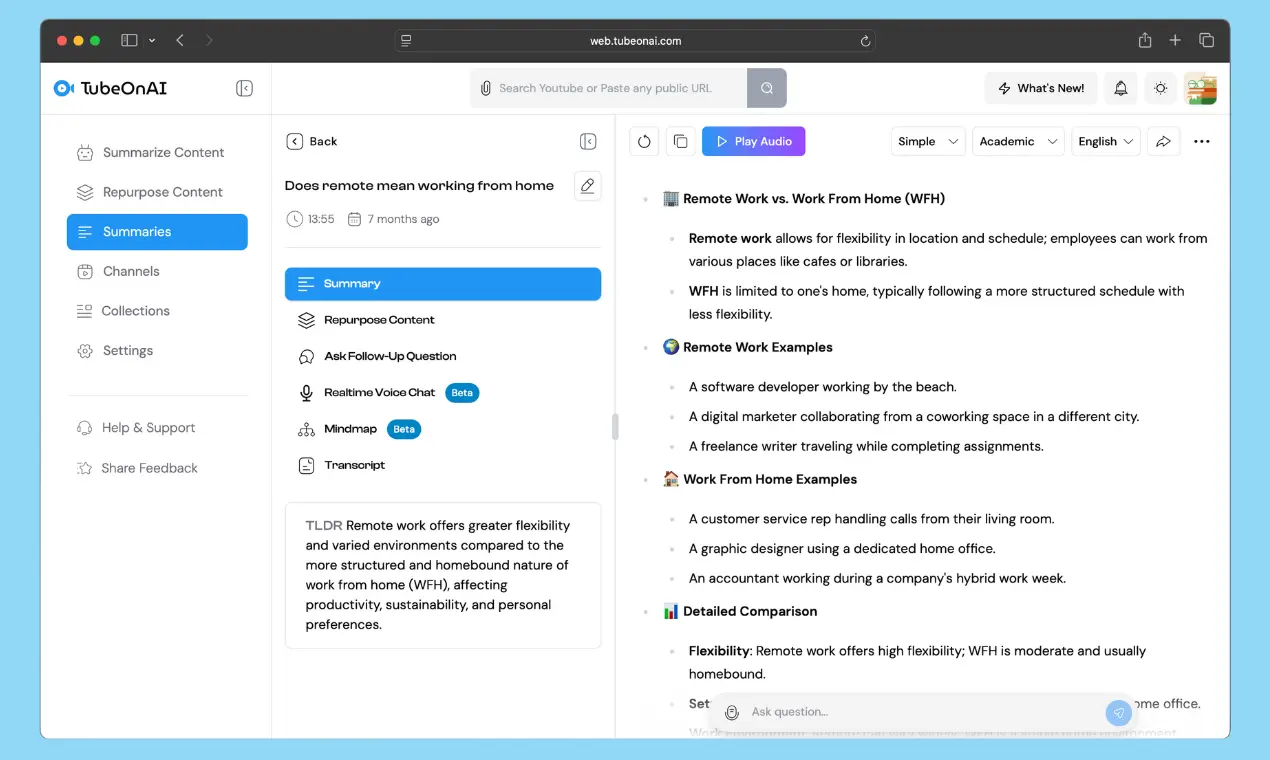
Convert documents into concise summaries on TubeOnAI web using public links, or enjoy a more integrated experience with our extension that works right in your current tab. Make sure to provide full access.

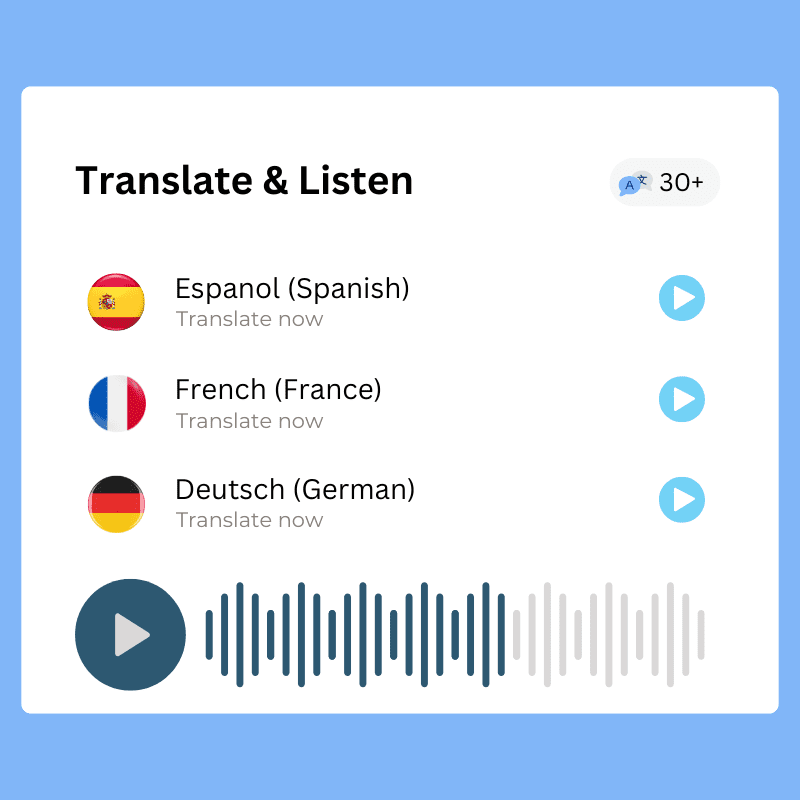
Translate & Listen Your DOC Summaries

Translate & Listen Your DOC Summaries

Learn more about your Google Docs in less time, using natural language, while commuting to work or college. You can easily do that using our mobile app.

Chat with Your Google DOC Files

Chat with Your Google DOC Files

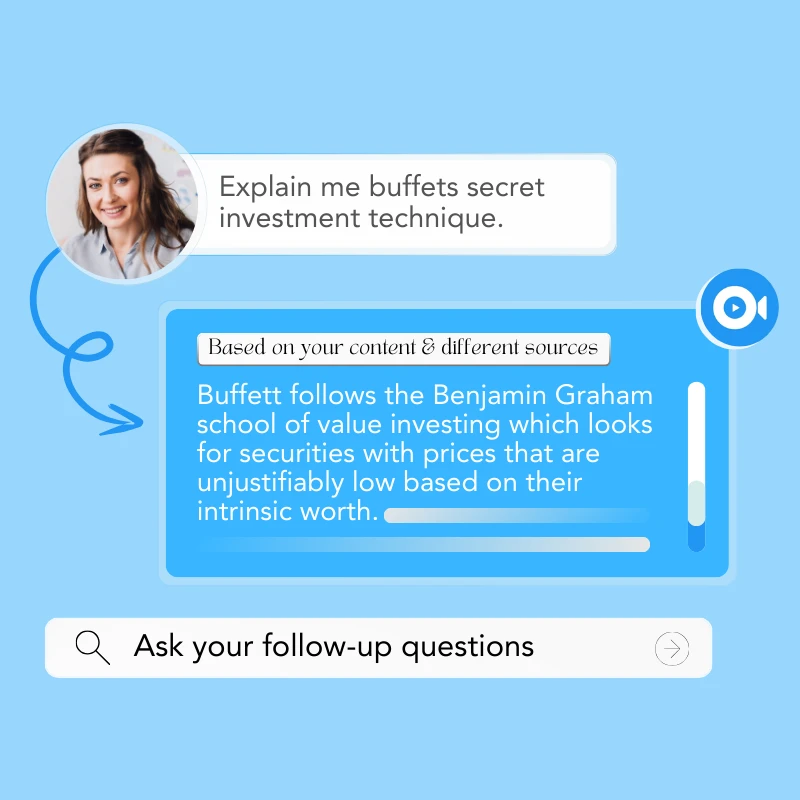
Have questions about your documents? Our AI-powered chatbot allows you to interact with your content in a natural and conversational way.

Repurpose DOC Files

Repurpose DOC Files

Want to reuse your document content for multiple purposes? Then, using our repurpose content feature, turn anything into exciting, shareable content.

Access from any device

We are available on the web, Android, Apple, iPad, and even the Chrome Web Store. You can enjoy our summarizer app from anywhere you want, offering unparalleled flexibility.

Category & Collection

Organize your documents into personalized, categorized collections. Easily repurpose them or request bulk follow-ups. Your important documents will always be at your fingertips.

How To Summarize Google Docs With TubeOnAI

1
Sign Up on TubeOnAI

Sign Up on TubeOnAI

Create a free account on TubeOnAI to generate summaries of google doc files for free. No credit card required.

2
Copy & Full Access

Copy & Full Access

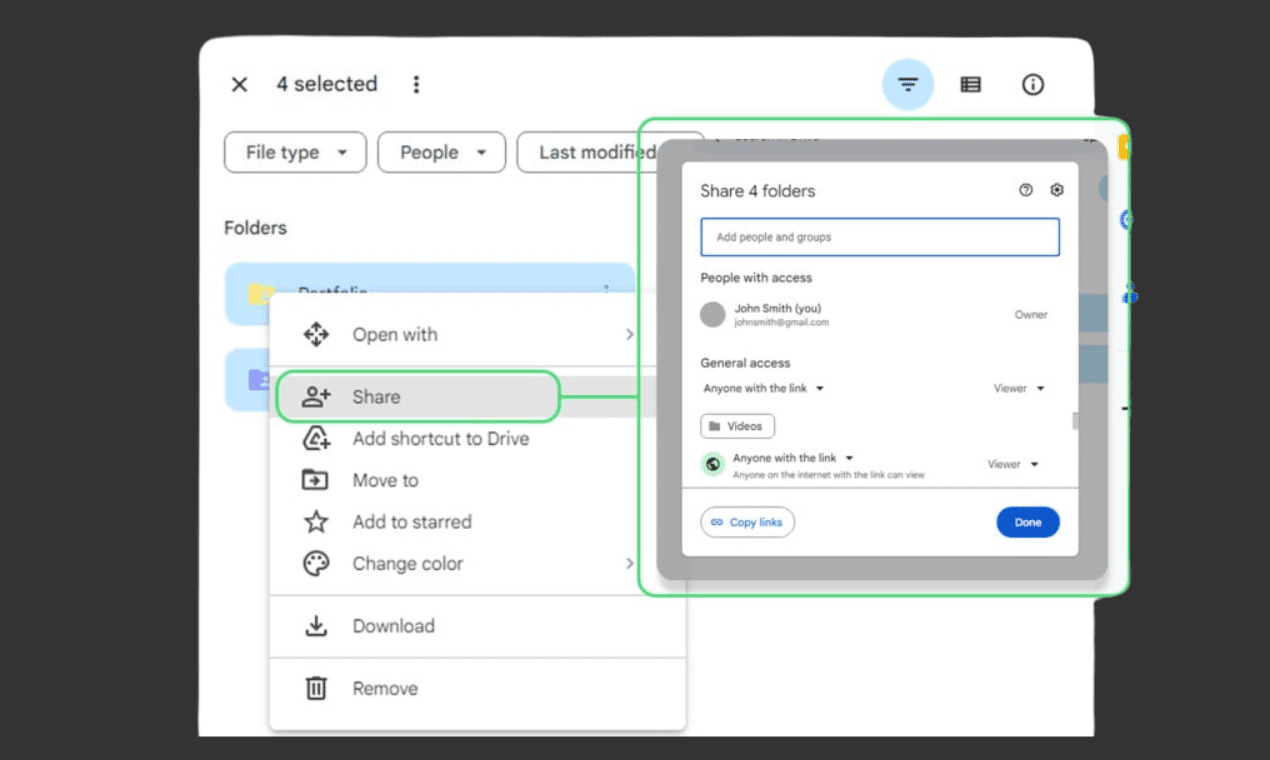
Copy the link to your doc file (ensuring you grant full edit access), then go to the TubeOnAI search bar and paste the link.

3

Generate DOC Summaries

Click on "Summarize Now". Then enjoy reading your doc file summaries in your native language.

How To Summarize Google Docs With Web Extension

1
Install the extension

Install the extension

Install TubeOnAI extension from chrome web store. Connect your account and head to the doc file you want to summarize.

2
Sign up

Sign up

Then, create a free TubeOnAI account. If you'd like to use email, contact our support team.

3

Generate Summaries

Click on "Summarize this tab". Then enjoy reading your doc file summaries in your native language.

Unleash your true productivity

Get Started Free

How To Repurpose Google Docs Content

1
Sign Up on TubeOnAI

Sign Up on TubeOnAI

Sign in to your TubeOnAI account, then go to the search bar and start by summarizing the content.

2
Prompt library

Prompt library

Now, head to the repurpose content section. There, click "Add Prompt" and explore our vast library of over 150 prompts.

3

Repurpose

Click to add any prompt in your personal library, hit Generate, and wait a few seconds to get the perfect content.

Who Can Benefit From a Google Doc Summarizer

Anyone who works with text documents can benefit from a Google Doc summarizer. It’s particularly useful for students, researchers, writers, editors, marketers, legal professionals, and anyone dealing with large volumes of information.

Researchers

A Google Doc summarizer can condense lengthy academic texts into concise summaries, allowing researchers to efficiently review large volumes of information and identify relevant sources for their work.

Project Managers

After a meeting or lecture, use a Google Doc summarizer to create a brief overview of the key discussion points, action items, and decisions made. This helps attendees quickly review the content and stay aligned.

Content Creators

Using the contents of your doc files you can create shorter versions of existing content for social media posts, email newsletters, or website snippets, maximizing reach and engagement with minimal effort.

Legal Workers

Legal professionals can use a Google Doc summarizer to quickly identify key clauses, terms, and conditions within legal documents, saving time and effort during the initial review process.

Facts to consider before using Google DOC Summarizer

Accuracy can vary. While generally helpful, the summarizer isn't perfect. It may sometimes miss key nuances or oversimplify complex arguments. Always review the generated summary for accuracy and completeness.

Best for longer texts. The summarization feature works best with longer documents. Shorter texts may not benefit as much, and the summary might even be longer than the original. Consider whether summarization is truly necessary for shorter pieces.

Limited customization. You have limited control over the summarization process. You can't specify the desired length or focus on particular aspects of the text. If you need more control, other summarization tools might be more suitable.

FAQs About AI Based Google DOC Summarizer

What types of documents can I summarize and repurpose using this tool?

You can summarize and repurpose Google Docs and other text documents — paste a public link in the TubeOnAI search bar or use the Chrome extension to summarize the doc in your current tab.

How accurate are the summaries generated by your AI?

The summaries are generally accurate, but they aren't perfect. They may occasionally miss nuances or oversimplify complex arguments, so always review the generated summary for accuracy and completeness.

Can ChatGPT summarize google doc files?

With TubeOnAI you can summarize Google Doc files directly — just copy the doc link (with full access granted) into the search bar, or use the extension to summarize the open tab.

How long does it take to summarize a document?

It only takes a few seconds. Click "Summarize Now" (or "Summarize this tab" with the extension) and your summary is ready to read in your native language.

Can you ask follow-up-questions?

Yes. Our AI-powered chatbot lets you chat with your Google Doc files and ask follow-up questions in a natural, conversational way.

Is it safe to use TubeOnAI to summarize confidential documents?

Still have questions? Can’t find the answer you’re looking for? Please chat to our friendly team.

Start summarizing your Google Docs for free

Get Started Free