TubeOnAI Summer Sale — Get 70% OffGrab Deal Now
TubeOnAI vs. NoteGPT

TubeOnAI or NoteGPT: Which AI Tool Offers More for Creators and Learners?

AI-powered tools like TubeOnAI and NoteGPT make it easier than ever to summarize and create content from videos, PDFs, and articles. But how do these two tools stack up against each other? Let's find out.

Available on
  • Web
  • iOS
  • Android
  • Chrome
TubeOnAI or NoteGPT: Which AI Tool Offers More for Creators and Learners?

TubeOnAI vs. NoteGPT: Quick Comparison

TubeOnAI
NoteGPT
Summarize content without transcripts
yes
no
Repurpose templates
130+ templates
Several templates
Real-time AI voice interaction
yes
no
Import YouTube subscriptions (1-click)
yes
no
Personalized content feed & notifications
yes
no
HD audio summaries
yes
no
Cross-platform support
Web, iOS, Android
Web app, Chrome extension
AI mind mapping
no
yes
Public API & Webhook support
yes
no

TubeOnAI vs. NoteGPT: Detailed Comparison

Looking for a deeper dive into the features? Let's break it down.

Summarize Content Without Transcripts

Summarize Content Without Transcripts

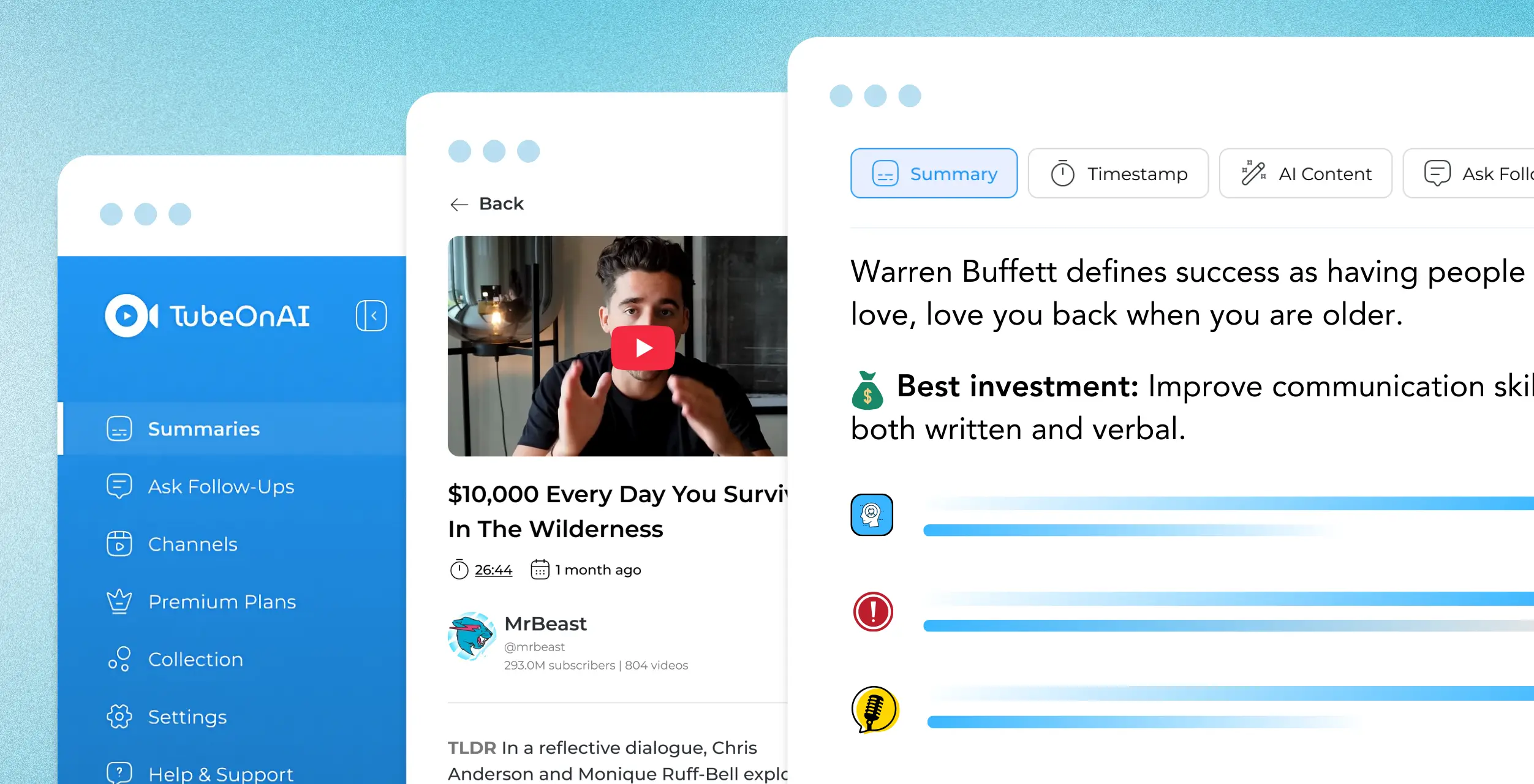
TubeOnAI can summarize content with no transcripts available, while NoteGPT cannot handle such content. This is a major advantage for TubeOnAI, enabling users to quickly generate summaries from videos or podcasts that lack pre-written transcripts. You can even upload your own video and get a summary of it.
Repurpose Content Like Professionals

Repurpose Content Like Professionals

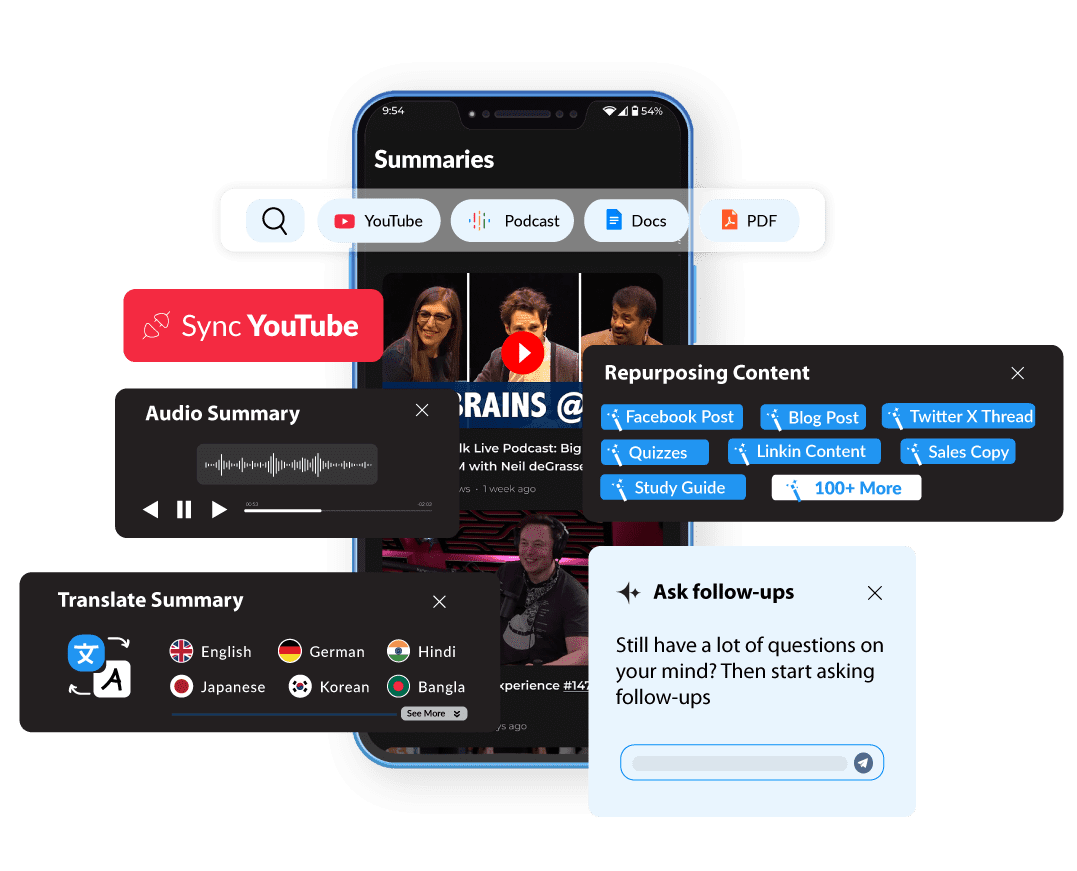
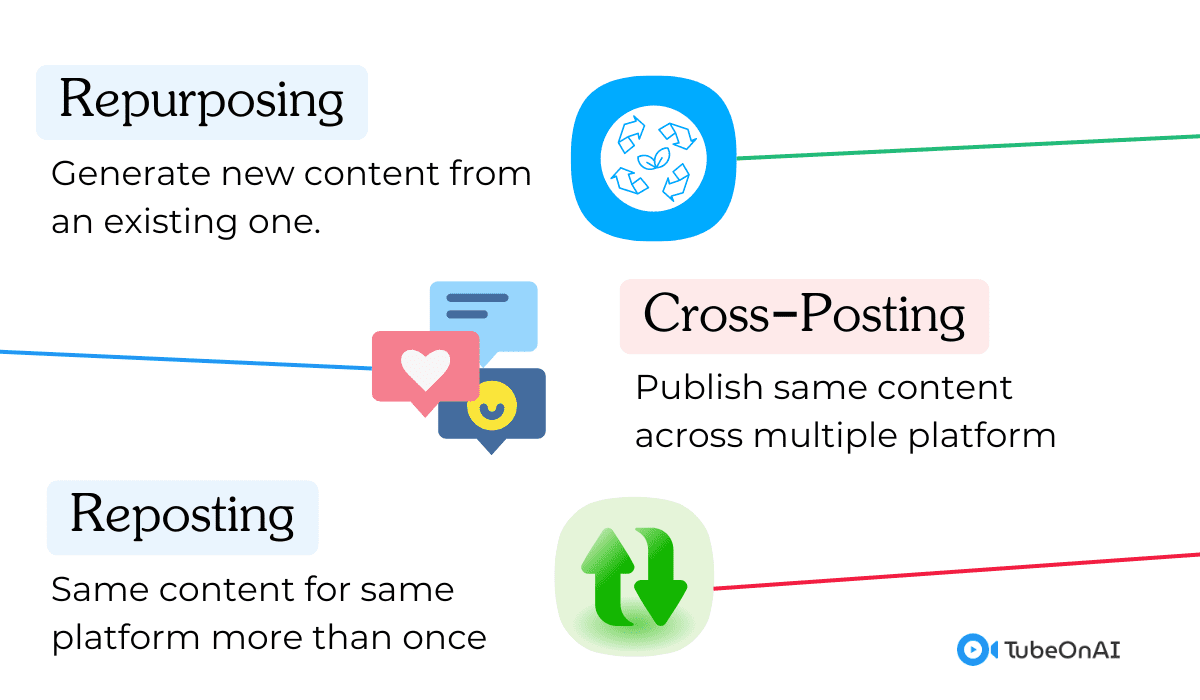
Both TubeOnAI and NoteGPT allow users to repurpose content but TubeOnAI offers 130+ templates that users can use to revolutionize their content creation needs fully. Content creators can use TubeOnAI to create engaging blog posts, social media updates, product descriptions, email newsletters, landing page copy, and whatnot. You can even create your own custom prompt.

Real-Time AI Voice Interaction

Real-Time AI Voice Interaction

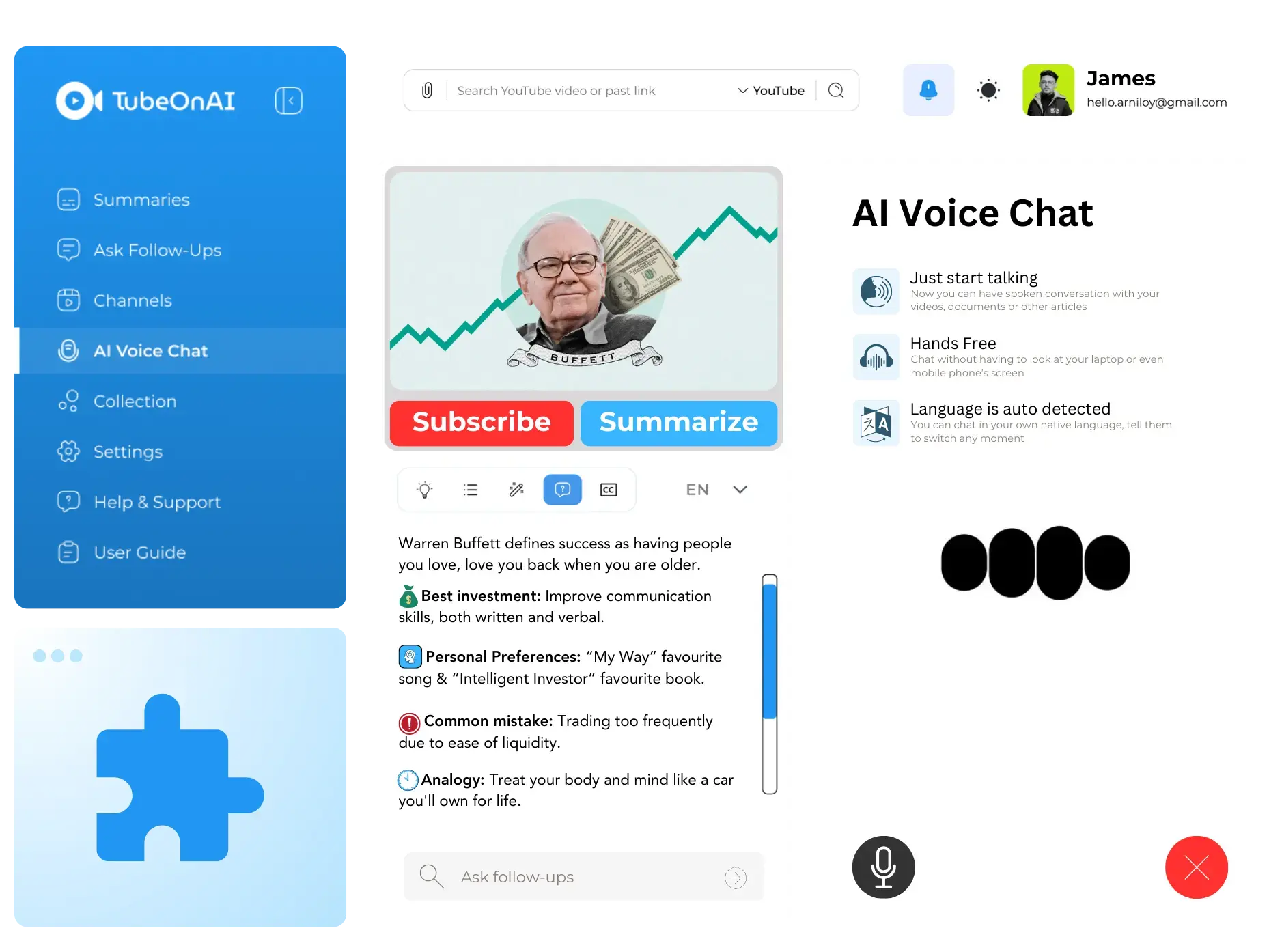
TubeOnAI features real-time voice chat, allowing users to interact with any content with the help of AI — a feature not available in NoteGPT. This unique feature makes TubeOnAI more interactive, enabling users to ask questions and receive answers on any topic.

Enjoy YouTube Content Without All the Noise

Enjoy YouTube Content Without All the Noise

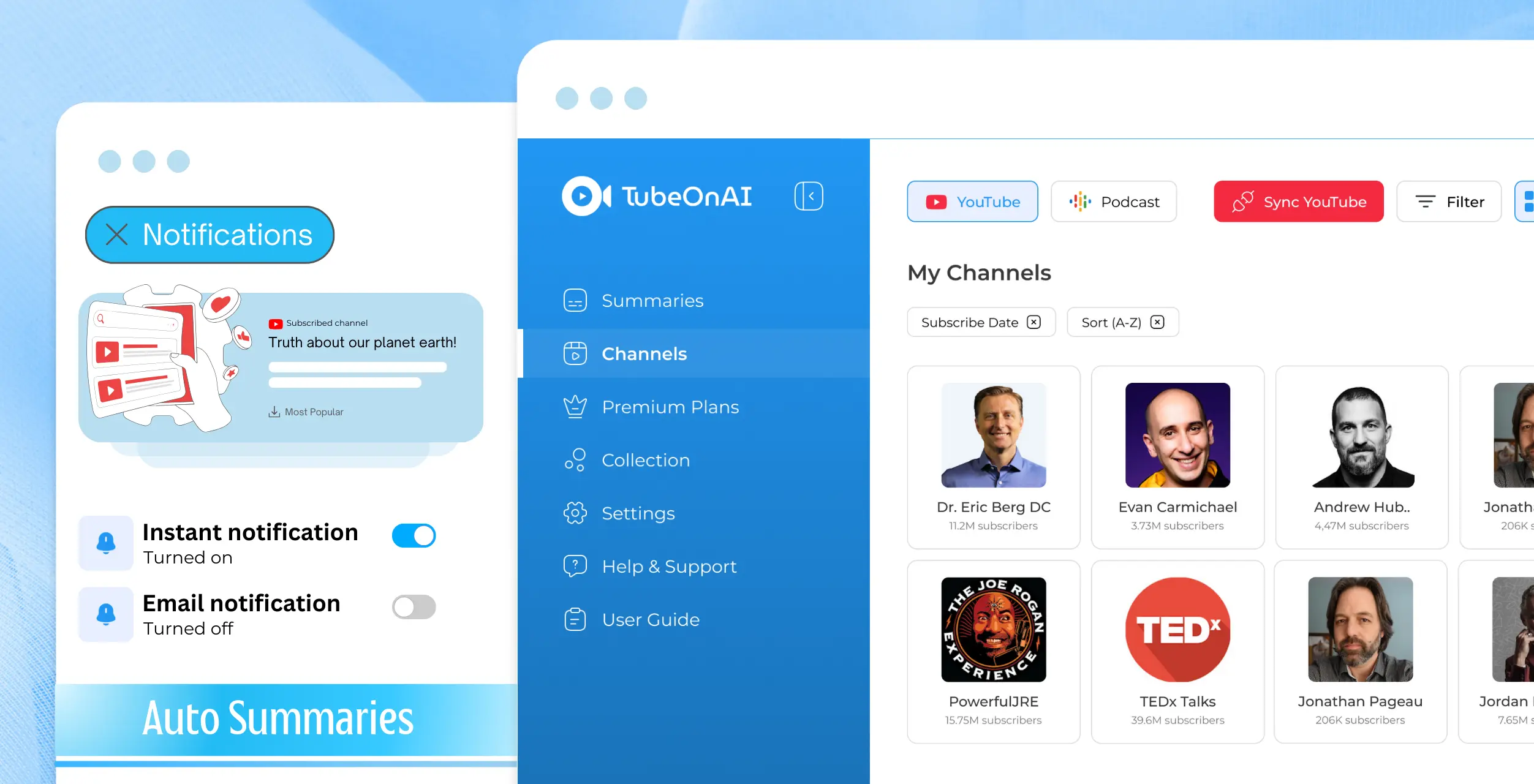
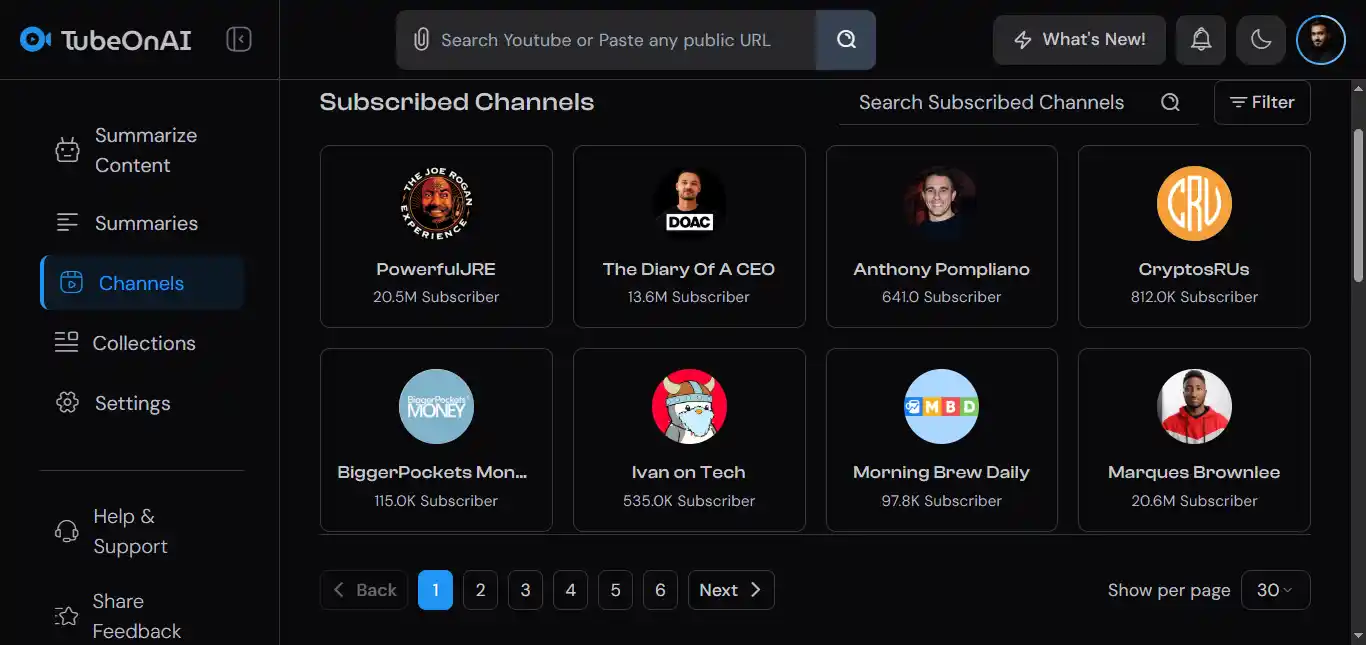
TubeOnAI allows users to import YouTube subscriptions with one click, letting them enjoy all their favorite content in one place without clickbait suggestions or ads — NoteGPT does not offer this feature. It gathers all your subscribed content into a single hub, avoiding distracting recommendations and ads.

Personalized Content Feed

Personalized Content Feed

TubeOnAI lets users subscribe to their favorite YouTubers and podcasters, helping them create a personalized content library — a feature not available in NoteGPT. TubeOnAI takes it a step further by allowing users to receive notifications whenever they publish new content, keeping you updated without manually tracking new content.

AI Audio Summaries: Learn on the Go

AI Audio Summaries: Learn on the Go

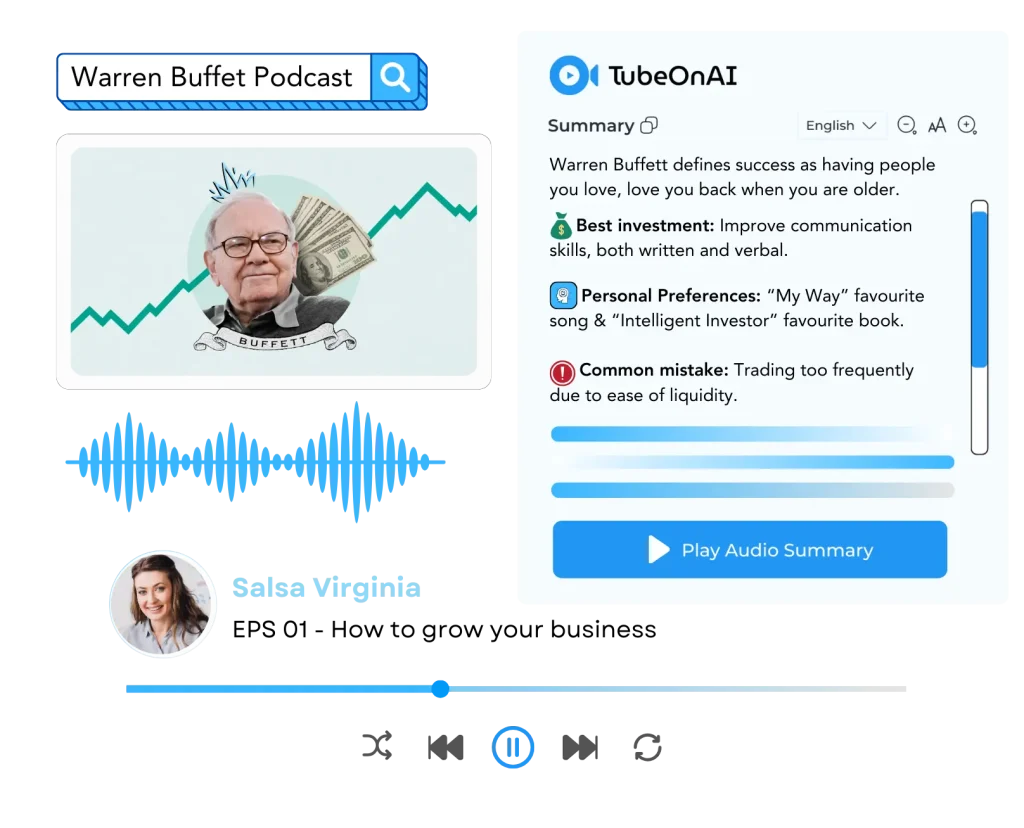
TubeOnAI supports HD audio summaries, making it easier for users to consume content while multitasking. NoteGPT doesn't offer audio summaries. For busy users who want to learn while commuting or working out, TubeOnAI's audio summaries provide great convenience.

Cross-Platform Support

Cross-Platform Support

TubeOnAI is available across web, iOS, and Android platforms, whereas NoteGPT primarily operates via a web app and Chrome extension. TubeOnAI's wider platform accessibility ensures you can use the tool wherever you are, whether on your phone, tablet, or desktop.

Mind Mapping: Visualize Your Ideas

Mind Mapping: Visualize Your Ideas

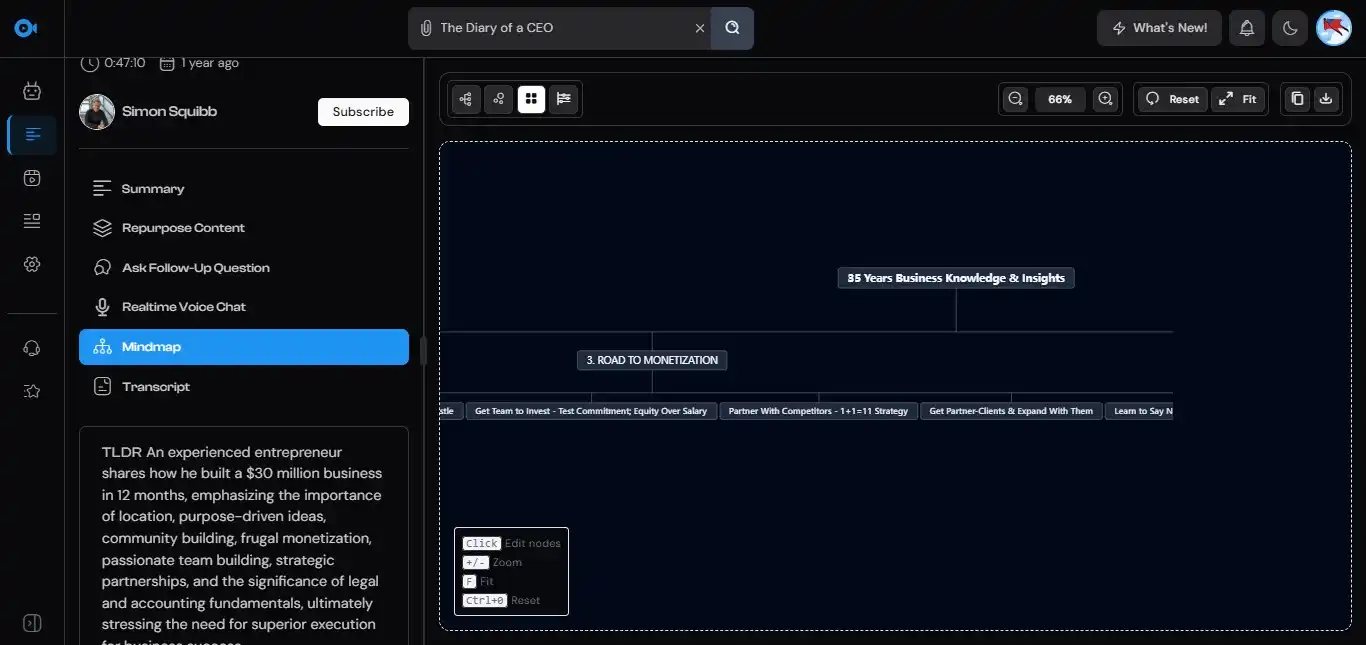
NoteGPT offers an AI-generated mind mapping tool, which TubeOnAI currently does not have. If you're looking to visually organize your thoughts and create a structure for complex topics, NoteGPT's mind-mapping capabilities give it an edge in this specific use case.

API Integration

API Integration

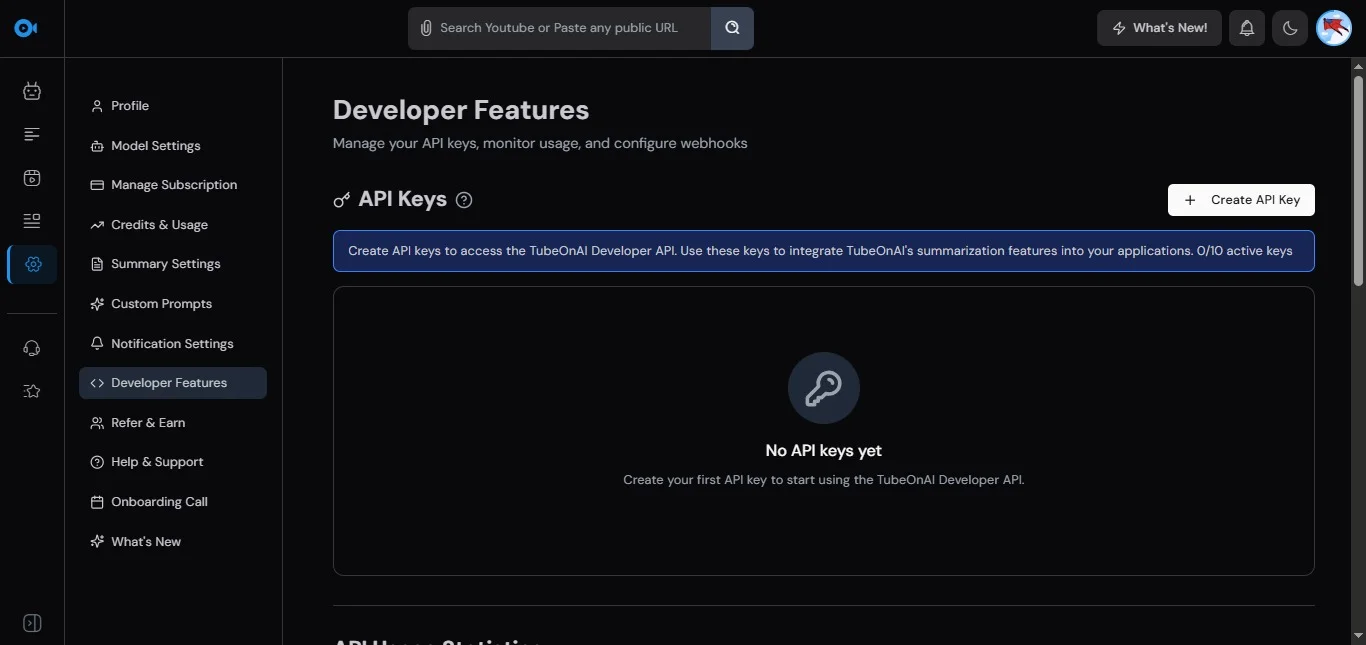
TubeOnAI provides a public API and Webhook support for professional automation, while NoteGPT remains a closed system focused on manual use. Its developer tools allow you to programmatically push summaries directly into your CMS or custom workflows. NoteGPT lacks these integration hooks, making it better suited for individual study than high-volume, automated professional environments.

TubeOnAI vs. NoteGPT: Which One Should You Choose?

Both TubeOnAI and NoteGPT are powerful tools, but which one is better for your needs depends on your specific goals.

Content Creators & Marketers

If you want a versatile all-in-one tool that lets you not only summarize content but also repurpose it across multiple formats, TubeOnAI is the right choice — perfect for generating blog posts, social media updates, and email newsletters quickly.

On-the-Go Professionals

The ability to summarize videos without transcripts, real-time voice chat, and YouTube subscription management make TubeOnAI the better choice for those who prioritize convenience, speed, and multitasking.

Students & Researchers

If you're looking for a more specialized tool focused on note-taking and organizing content in a visually appealing way, NoteGPT is a good option. It shines with its mind-mapping feature and advanced note management.

Frequently Asked Questions

Can you build a personalized content feed using AI?

Yes, with TubeOnAI, you can build a personalized content feed with only your preferred content. Simply subscribe to your favorite content creators using TubeOnAI and receive notifications whenever they publish new content.

Can you summarize content without transcripts?

Yes, with TubeOnAI, you can summarize videos and podcasts even without transcripts, unlike NoteGPT.

Is there a free version of TubeOnAI?

Yes, TubeOnAI offers a free version with access to basic features, while premium features are available in paid plans.

Summarize and repurpose content for free with TubeOnAI

Get Started Free