TubeOnAI Summer Sale — Get 70% OffGrab Deal Now
TubeOnAI vs. NotebookLM

Is TubeOnAI an alternative to NotebookLM?

There are some extraordinary AI tools like TubeOnAI and NotebookLM that actually help you get the job done and boost your productivity. I've had the chance to try them both extensively and trust me, each has its own charm – depending on how you like to learn and the type of content you engage with.

Available on
  • Web
  • iOS
  • Android
  • Chrome

Comparison Table: TubeOnAI vs. NotebookLM

TubeOnAI
NotebookLM
Content summarization
Podcasts, YouTube, articles & documents
Mostly text documents (PDFs, Docs, Slides)
Summarize videos without a transcript
yes
no
Content repurposing (130+ prompt templates)
yes
no
Custom prompts
yes
no
Personalized content feed & creator subscriptions
yes
no
AI-powered note-taking
Study notes via AI content feature
yes
Podcast generation from documents
no
yes
HD audio playback for summaries
yes
no
Availability
Web, Android, iOS & Chrome extension
Web only

Feature Analysis and Detailed Comparison

A detailed explanation of which tool you should prefer based on your feature requirements – making it easy to identify the right app for your needs.

Content Summarization: How Well Do They Do It?

Content Summarization: How Well Do They Do It?

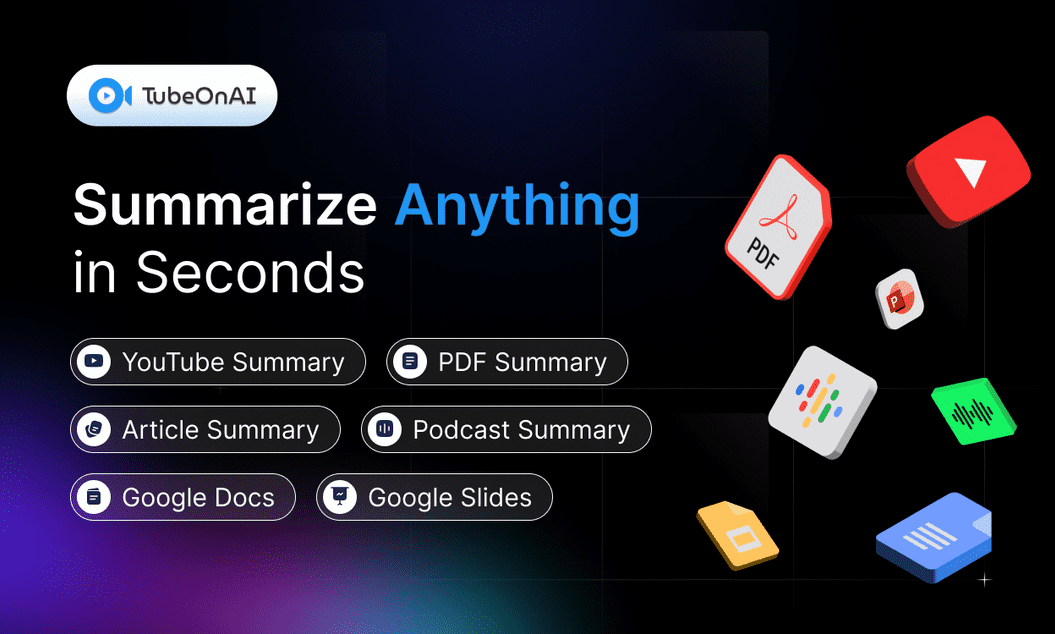
Both TubeOnAI and NotebookLM are great at summarizing content, but the kind of content they handle is different. If you switch between podcasts, YouTube videos, and articles, TubeOnAI effortlessly summarizes all formats – even uploaded videos that don't come with any subtitles. NotebookLM excels mostly in text-based documents like PDFs, Google Docs, and Google Slides, but couldn't generate insights from a YouTube video without a transcript.

Content Repurposing: Making Content Work For You

Content Repurposing: Making Content Work For You

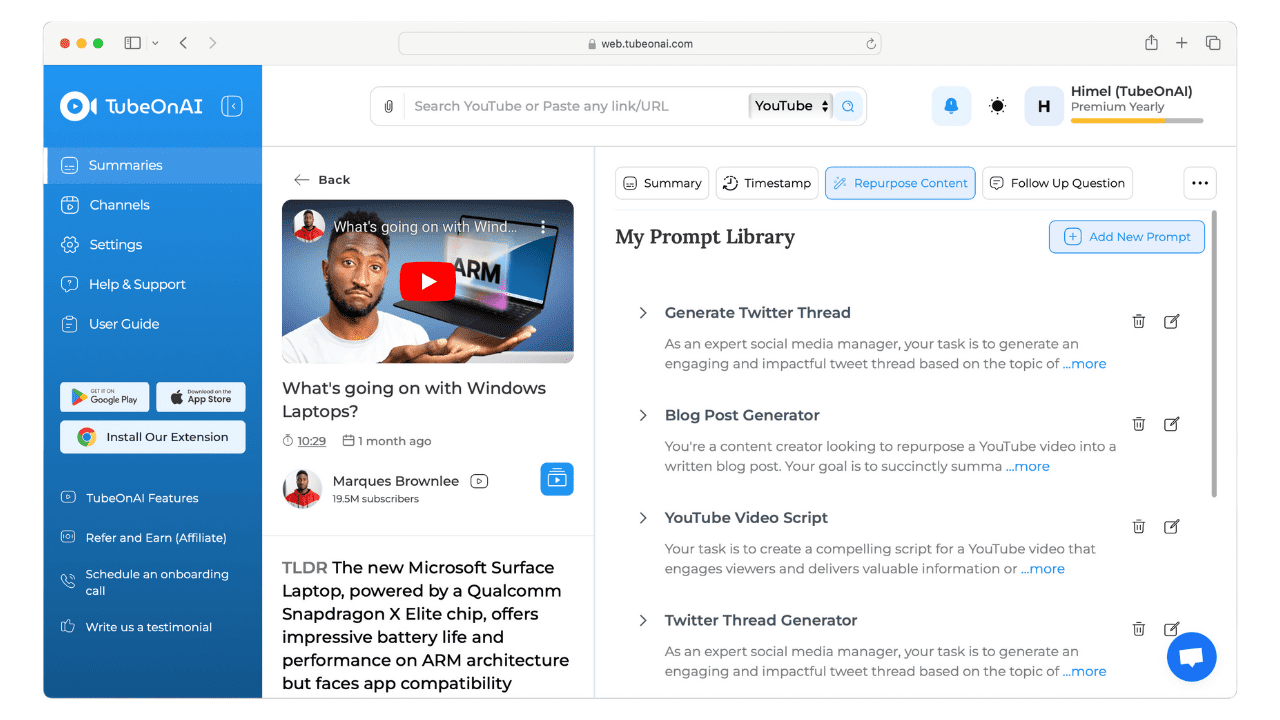
After summarizing a video or article, TubeOnAI lets you turn that summary into something completely new – like a blog post, a social media update, or even a video script. With 130+ prompt templates, you can repurpose unique content with ease. NotebookLM doesn't have a specific repurposing feature; it's more focused on creating notes from your documents.

Custom Prompts: Tailored to Your Needs

Custom Prompts: Tailored to Your Needs

In addition to a vast library of premade templates, TubeOnAI lets you create your own prompt and specify exactly what kind of content you want to generate – such as quiz questions to test your vocabulary. NotebookLM doesn't have this feature and won't let you create and save custom prompts for specific tasks.

Personalized Content Feed: Finding What You Love

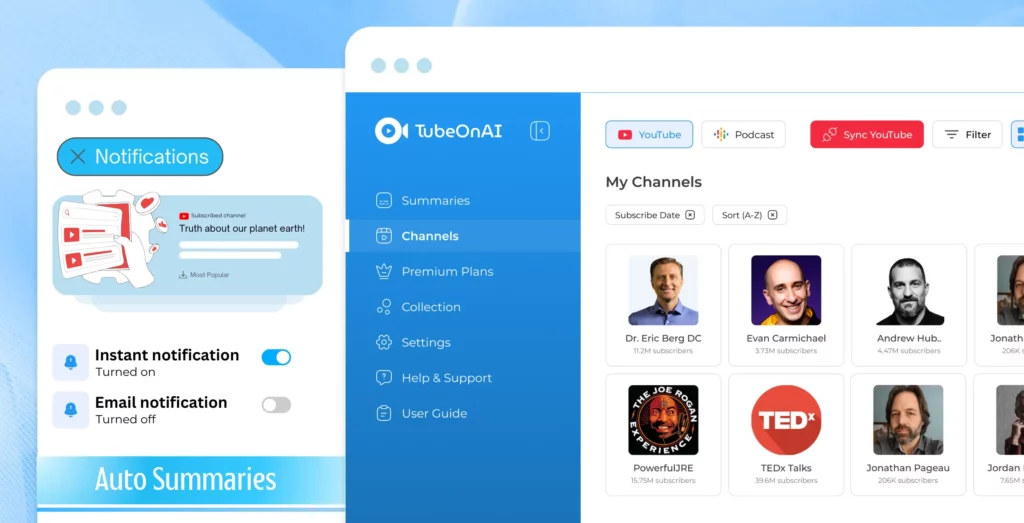
TubeOnAI lets you create a personal content library – search for YouTube channels and podcasts, subscribe to them, and get notifications whenever your favorite creator publishes something new. NotebookLM is more about analyzing the content you upload; there's no option to browse or subscribe to creators.

AI-Powered Note-Taking: Getting the Most from Documents

NotebookLM shines with AI-powered note-taking, helping you highlight important ideas, summarize key points, and connect documents on similar topics – especially helpful for research papers and academic texts. TubeOnAI doesn't have a Notebook feature yet, but you can generate study notes and lecture prep with its AI content feature, and a similar "collections" feature is in the works.

Podcast Generation: Turning Text into Audio

A unique feature of NotebookLM is its ability to create podcasts out of the documents you upload, turning a dense research paper into a podcast where AI voices discuss the content. TubeOnAI doesn't offer a similar feature yet, although it can summarize any podcast in seconds.

Availability: Where and How You Can Use These Tools

TubeOnAI is available on pretty much every platform – web, Android, iOS, and even as a Chrome extension – so it integrates into your daily routine no matter what device you're on. NotebookLM is only web-based for now.

Accessibility for Different Learning Styles

TubeOnAI offers HD audio playback for its summaries, making it easy to listen rather than read when you're on a walk or commuting. While NotebookLM can generate podcasts, it doesn't offer the same kind of audio playback for all types of content.

Target Audience: Who Should Use Each Tool?

If you constantly jump between videos, podcasts, and articles, TubeOnAI is perfect – great for students, content creators, marketers, and busy professionals who want quick insights across all sorts of media. If you work with a lot of text-based documents as a student or researcher, NotebookLM may be the option for you.

TubeOnAI vs. NotebookLM: Which Tool Should You Choose?

Both TubeOnAI and NotebookLM are powerful tools that can greatly enhance your productivity and learning experience. The best choice depends on your specific needs and how you consume content.

If you need a versatile tool that can provide insights from any type of content and make content creation easier, TubeOnAI is the way to go. Its ability to repurpose content and use custom prompts makes it especially useful for content creators and marketers.

Not to mention, you have your own personalized content feed with which you can fully control your content consumption. Plus, that HD audio playback really sweetens the deal if you love multi-tasking and want to learn even when you are on the move.

On the other hand, if your focus is on analyzing text-based documents and taking AI-assisted notes, NotebookLM might be a good fit. Its podcast generation feature can also be an interesting option for many users.

Both platforms leverage AI to generate insights from content, but they do it differently. You need to find out which one provides you with better value depending on your specific needs and content consumption habits.

Summarize any content for free with TubeOnAI

Get Started Free