
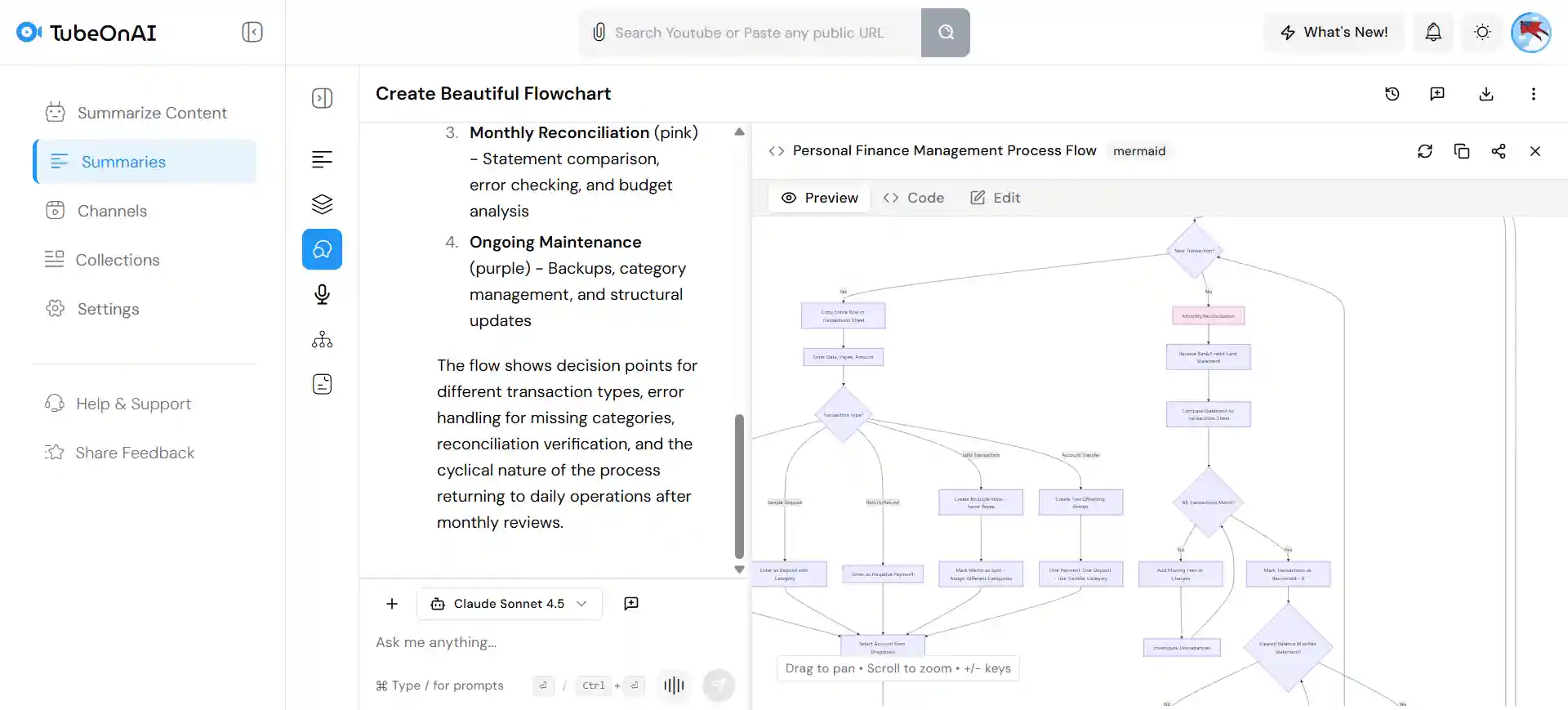
Translate Flowcharts into 40+ Languages
Easily translate text inside your flowcharts into over 40 languages. Perfect for global teams, international business, or sharing processes in different languages.
Excel Spreadsheet to Flowchart turns data sheets into clear diagrams. It helps you see steps and organize ideas in a simple, visual way.
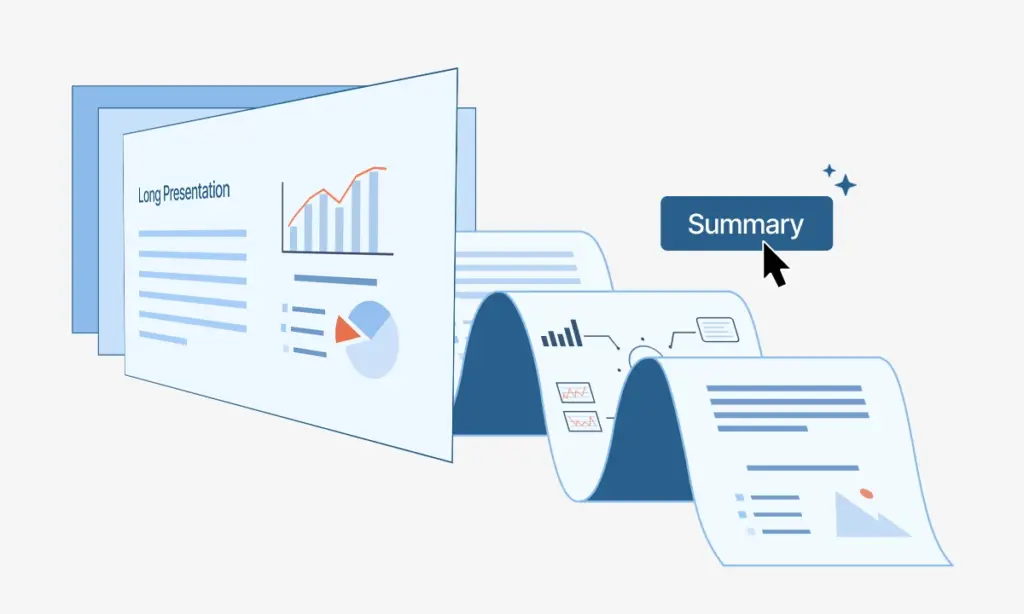
Paste the public URL or Upload the Excel file directly in TubeOnAI.
Try for free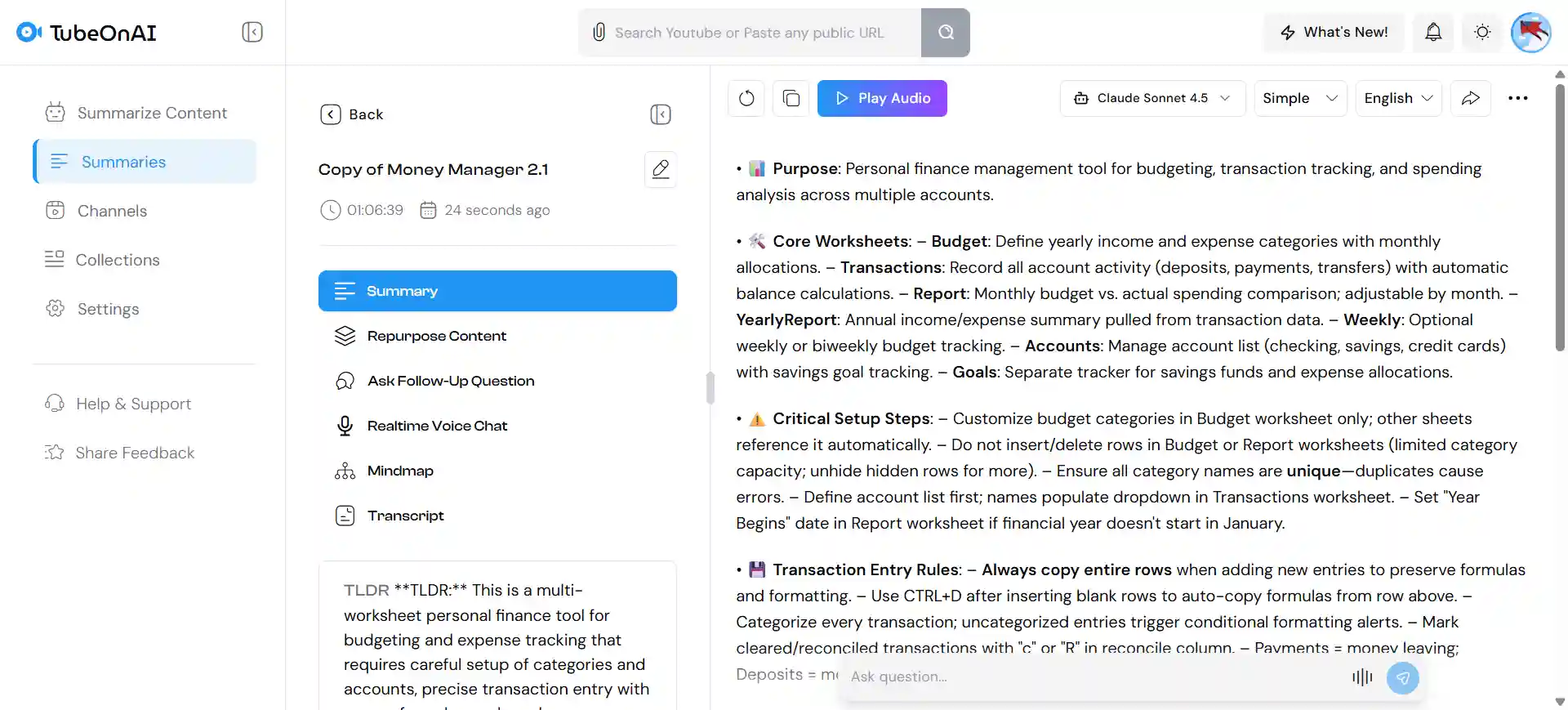
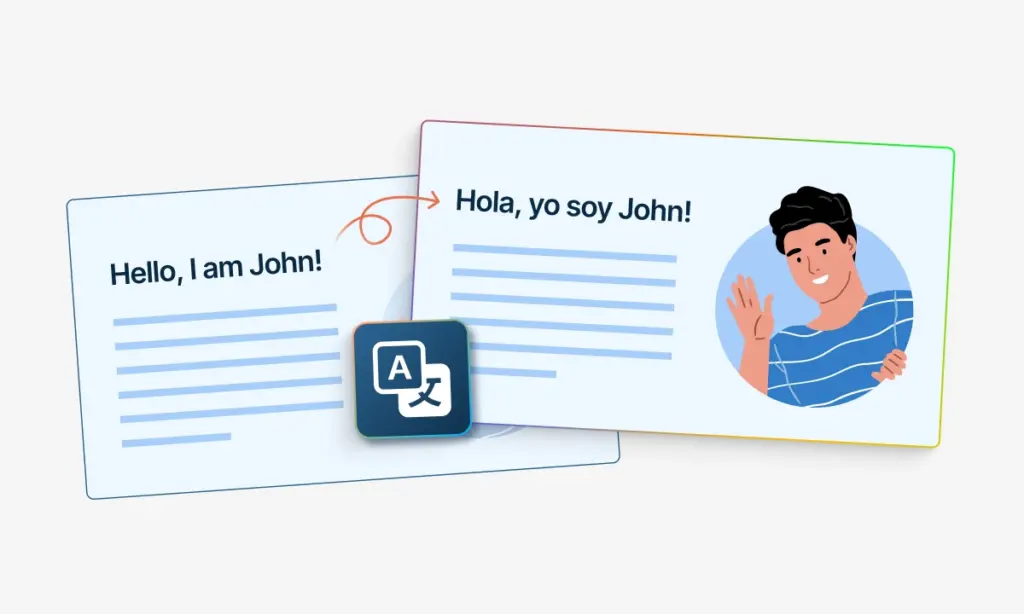
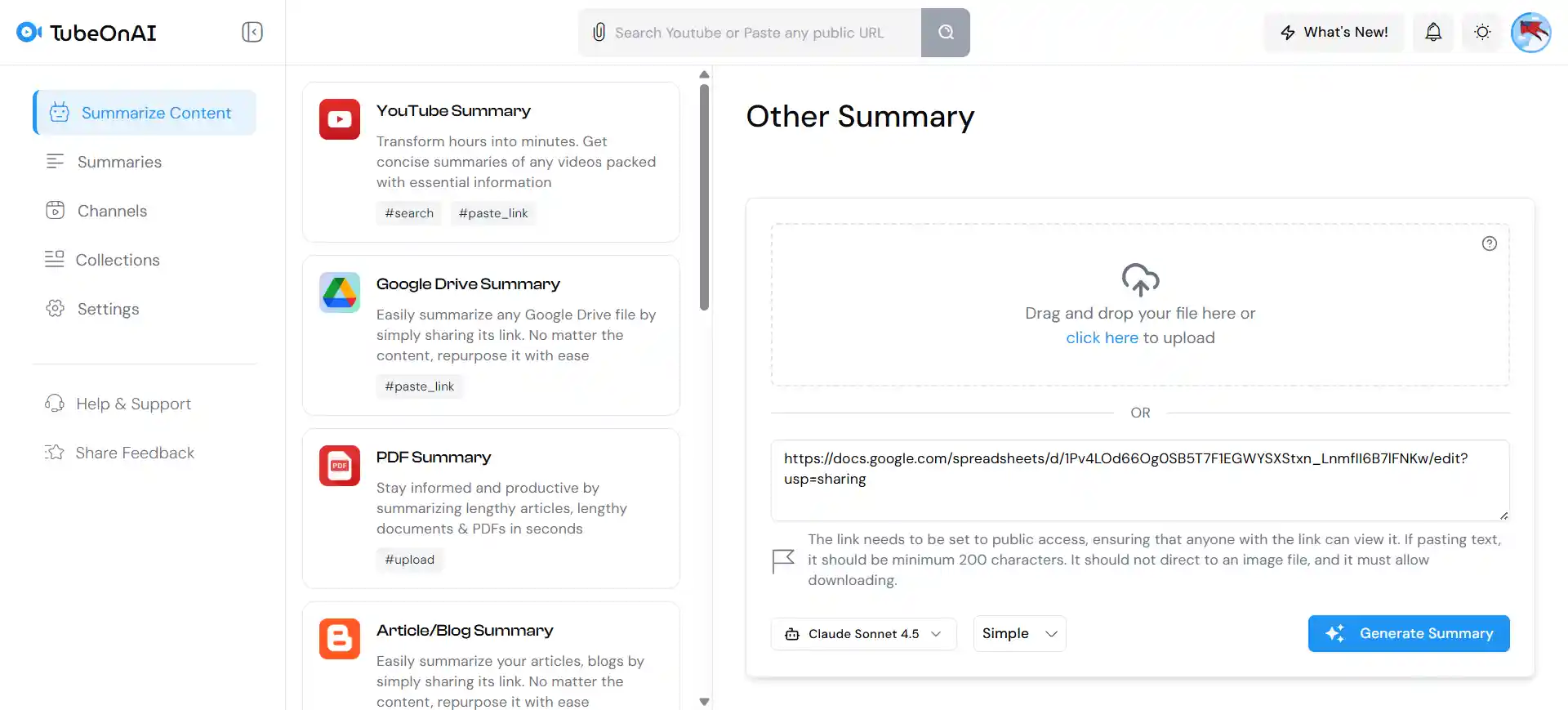
TubeOnAI summarizes your Excel sheet and explains each parts beautifully.
Try for freeTurn any Excel Sheet into clean, structured Flowchart in seconds — summarize, view, and download instantly. Try it free today.
Easily translate text inside your flowcharts into over 40 languages. Perfect for global teams, international business, or sharing processes in different languages.
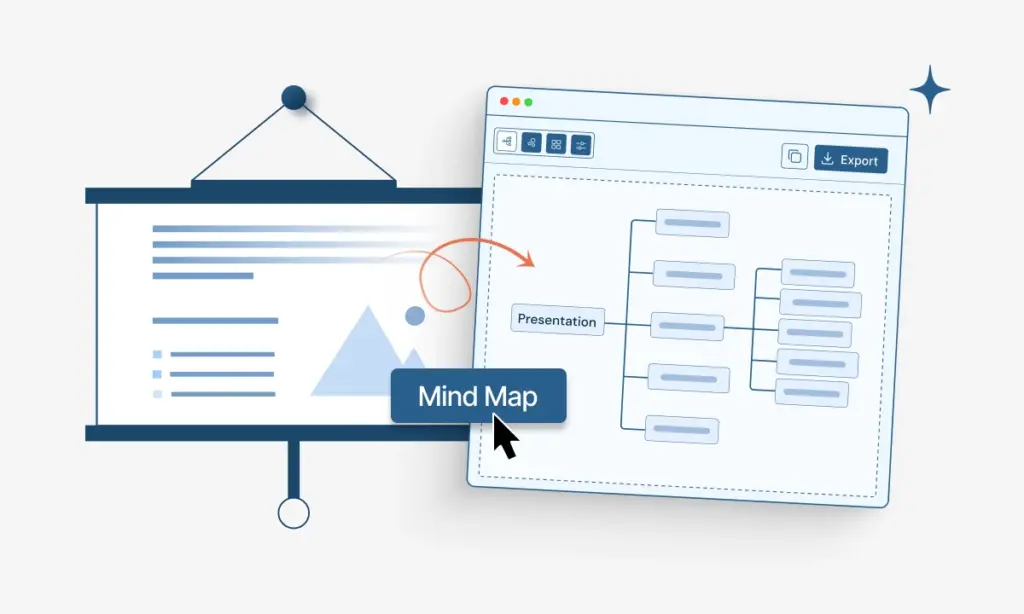
Transform your diagrams into blog posts, emails, or training manuals instantly. The AI explains the logic in text, helping you share processes easily on any platform.
The AI automatically scans your data to spot logic errors, missing steps, or common bottlenecks. It helps you improve your workflow and increase efficiency.
The tool changes data tables into flowcharts, making complex logic easier to learn and study.
Turn complex spreadsheets into clear diagrams for better team communication and workflow tracking.
Create lesson materials faster by turning data rows into clear visual steps for your students.
TubeOnAI uses smart technology to read your rows and columns. It looks for connections between steps to figure out the correct order. Then, it automatically places decision shapes (diamonds) and process boxes (rectangles) where they belong.
Drawing in Excel requires you to drag and drop every single shape manually. TubeOnAI does the hard work for you. It turns your data list into a finished diagram instantly, saving you hours of frustration.
TubeOnAI supports all languages. Since the tool focuses on the connections between rows, it will perfectly organize your text into a flowchart, regardless of the language you use.
Yes. If your Excel data includes different outcomes (like “If Yes, go to Step B”), TubeOnAI recognizes this structure. It will split the path in the flowchart to show the different directions clearly.
Absolutely. TubeOnAI is designed to work on mobile devices. You can upload a spreadsheet from your phone, and our tool will generate the flowchart for you to view or share on the go.