
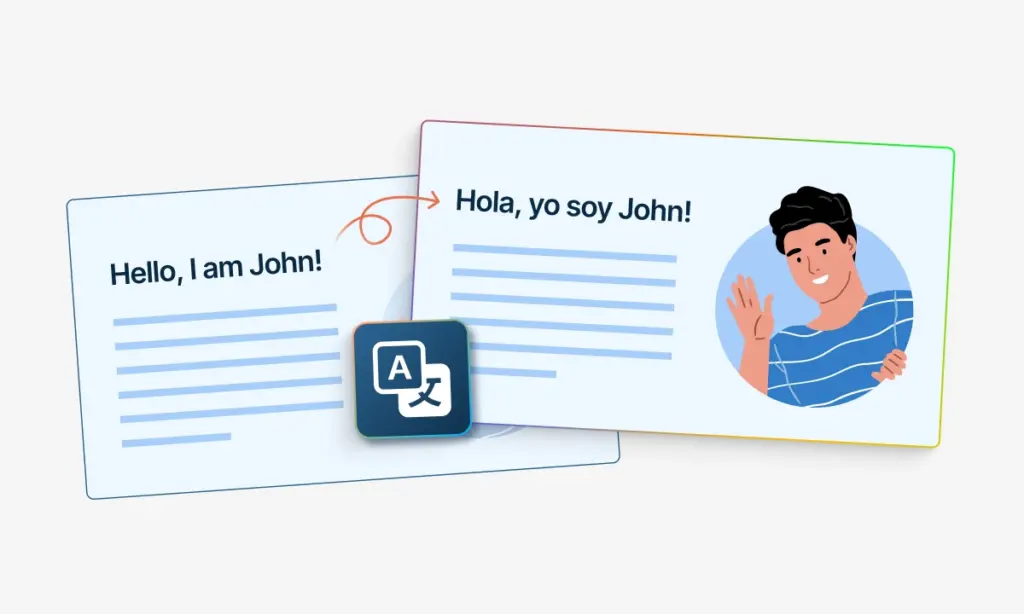
Translate PDF Notes into 40+ Languages
Easily translate your generated PDF notes into more than 40 languages; perfect for multilingual learning, teaching, or exam preparation.
Quickly converts your long PDFs into clear, organized short notes that highlight the key ideas and main concepts within minutes.
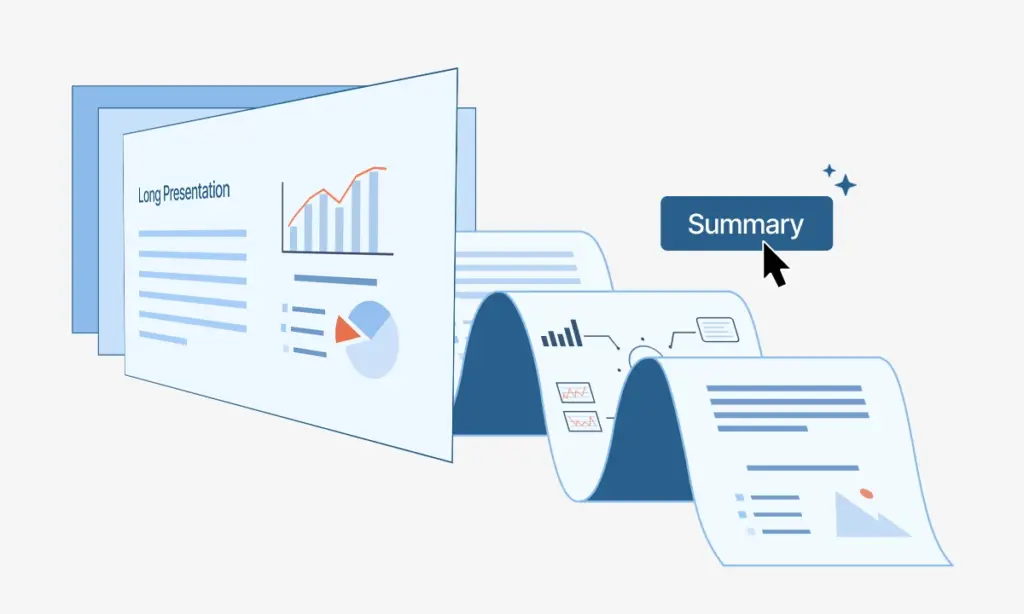
Choose the PDF notes converter feature and upload a PDF, DOCX, or text document up to 100 MB.
Try for free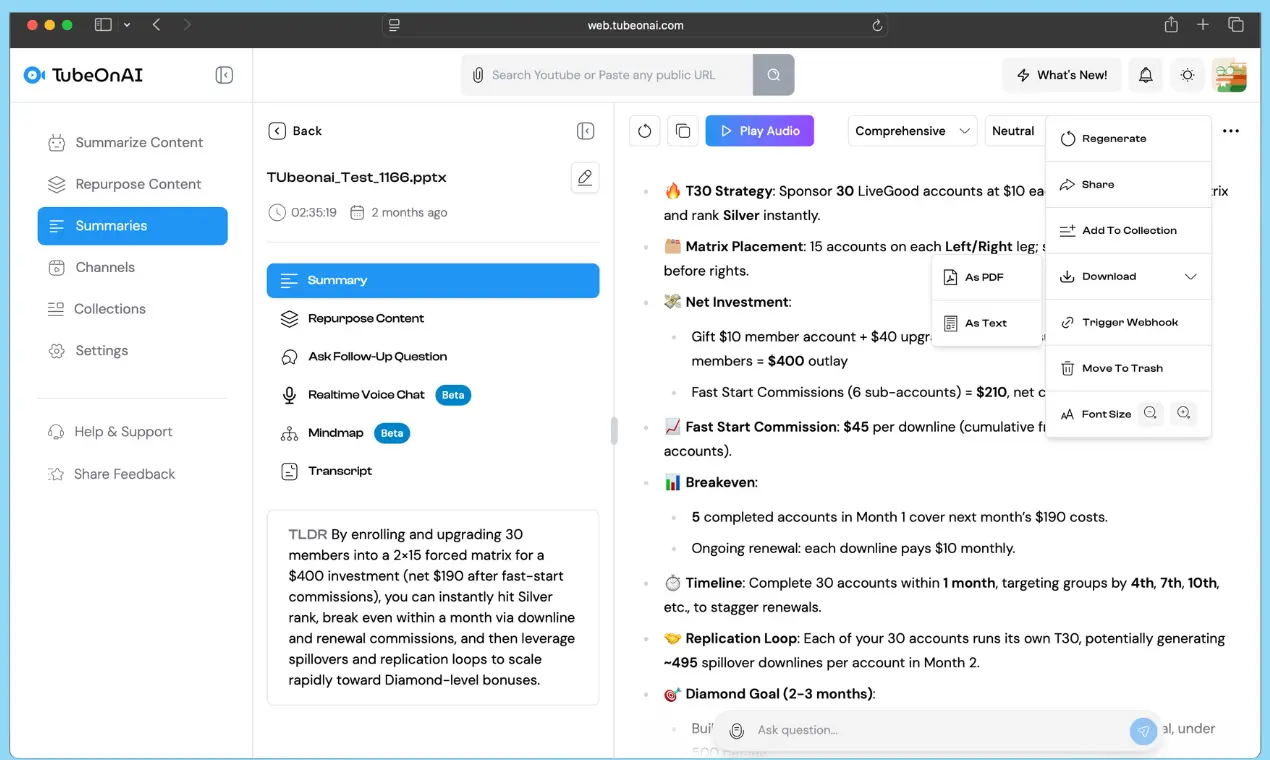
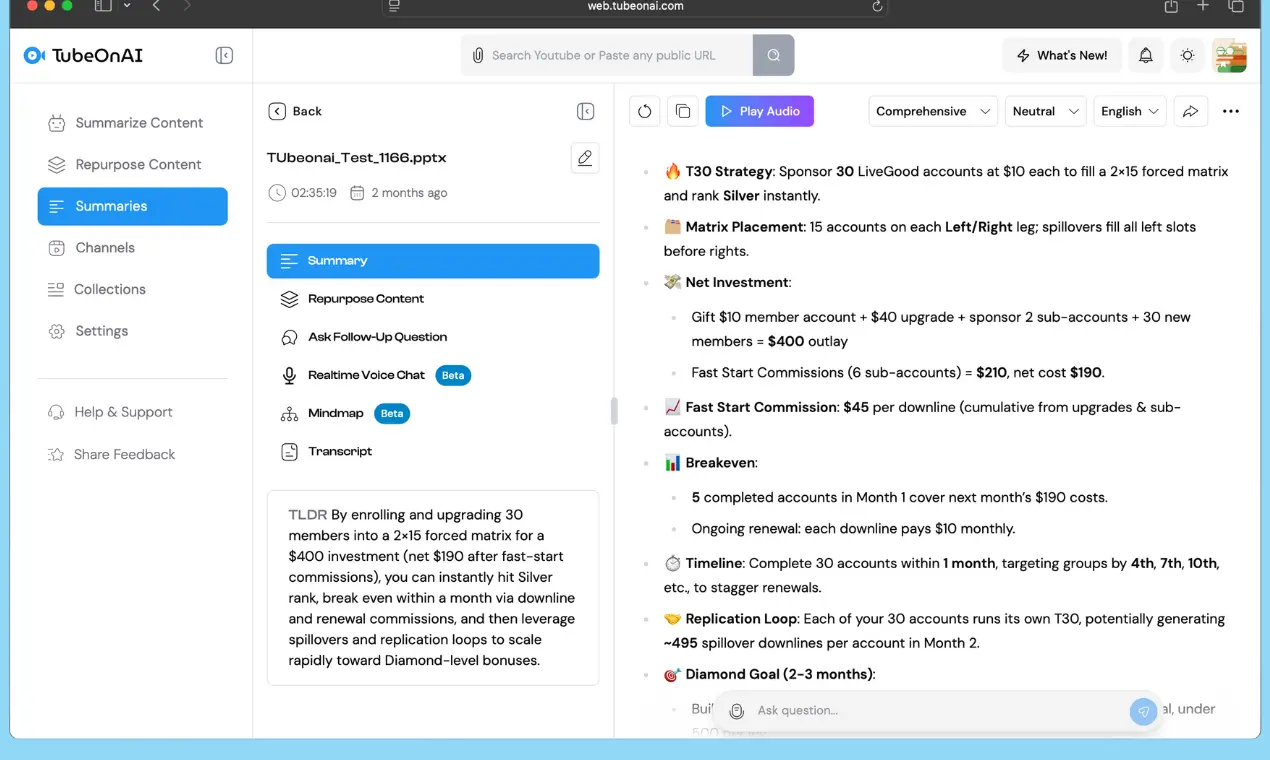
TubeOnAI scans your document and quickly extracts the essential points. Within seconds, you'll receive an organized set of notes highlighting the main ideas and details.
Try for freeReview the generated pdf notes, then copy or download them as needed. If you want to make any change, simply regenerate or refine the output to match your exact preference.
Try for freePDF-to-Notes converter extracts text from the PDF, breaks it into meaningful sections, and analyzes the content. Then it summarizes or restructures those sections into clear bullet points. Finally, it outputs clean notes optimized for quick reading or study.
Easily translate your generated PDF notes into more than 40 languages; perfect for multilingual learning, teaching, or exam preparation.
Use the Collections feature to neatly categorize your pdf notes by subject, chapter, or project, ensuring you can locate any document in seconds.
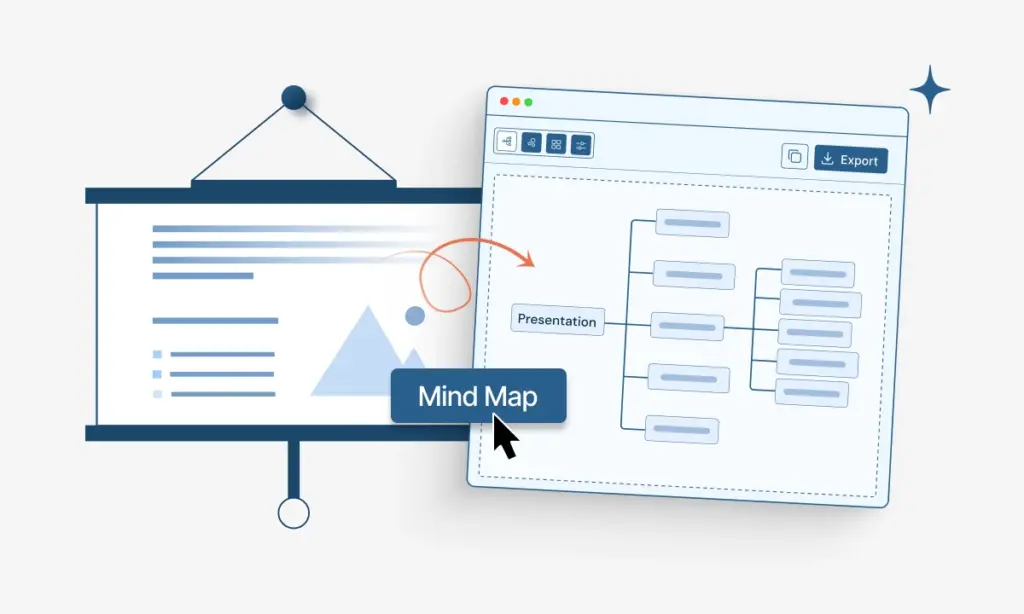
If you need more clarity, ask follow-up questions and get a deeper understanding of the ideas highlighted in your notes. Even you can generate visuals based on your pdf contexts.
Convert academic papers into structured notes to speed up literature review and analysis. Break down journals and studies into digestible points, extract citations, data, and key arguments, compare multiple PDFs quickly, and reduce time spent on reading dense research.
Convert requirement docs, research PDFs, and market reports into concise, shareable notes. Distill market research into actionable insights, summarize PRDs and tech specs, share quick takeaways with teams, and speed up planning and decision-making.
Turn ebooks, articles, and reports into ready-to-use content summaries. Convert long PDFs into script-ready notes, get into content ideas and frameworks, repurpose PDFs into posts, threads, and scripts, and keep yourself ahead of your competitors.
It's an AI-powered tool that transforms PDFs and documents into clean, well-organized study notes.
Yes! Choose from multiple formats: brief notes, detailed outlines, key insights, or write your own prompt for personalized results.
Absolutely. PDF notes generator extracts core arguments, definitions, examples, and insights to create structured notes you can review anytime.
Yes, you can regenerate or adjust your PDF notes as many times as you want before saving or downloading.
You will receive an overview of approximately 100 to 300 words for your PDF, depending on the document's size. But short notes don't carry the whole info about a lengthy pdf, so in order to deep dive, you have to take help of our Ask follow ups feature.