
Same Source, Four Reading Formats
Why rewatch the same Reel four times? The Instagram video summarizer turns one upload into a tight summary, a full transcript, a key-quote list, and a tweet-thread version, all from the same source.
12 minutes of Instagram Reel for one quote you actually need? No. The TubeOnAI Instagram video summarizer reads the full video and hands back the key points in 60 seconds. Get the takeaways without scrubbing the timeline or rewatching the whole post.
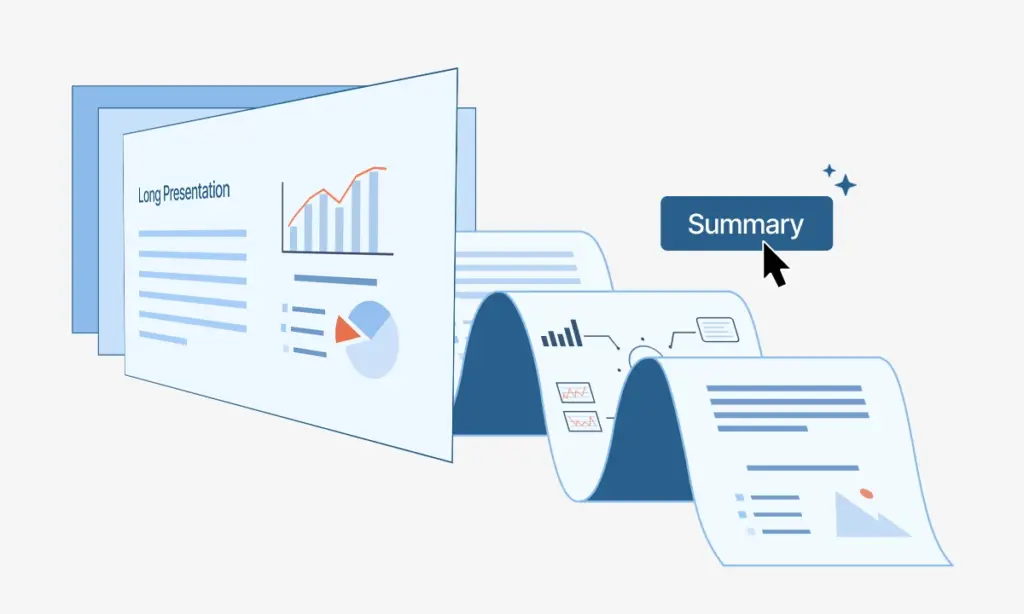
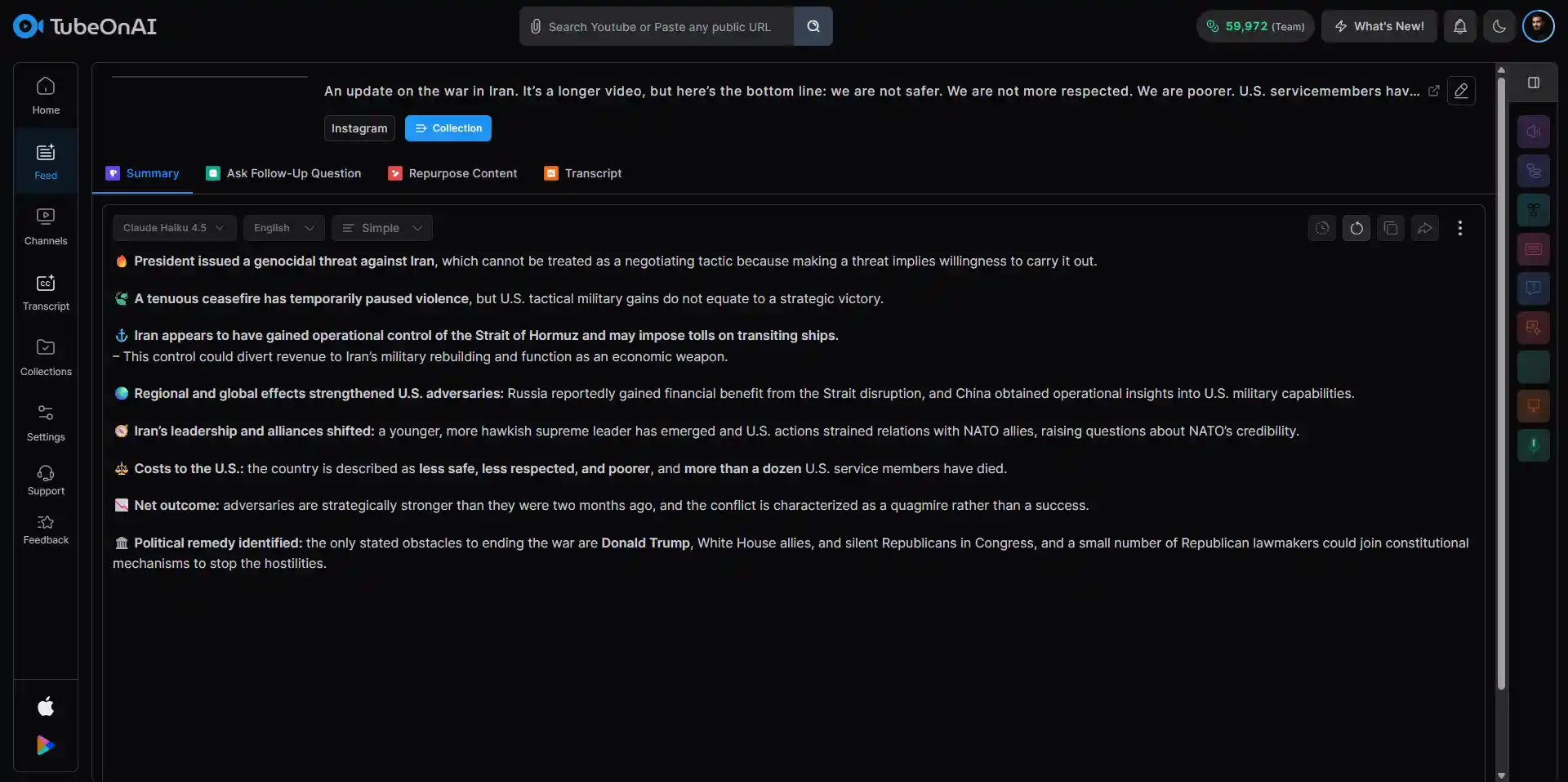
Paste the public Instagram video URL, or upload your own MP4. The Instagram video summarizer reads the full audio, captions, and on-screen text before pulling anything.
Try for free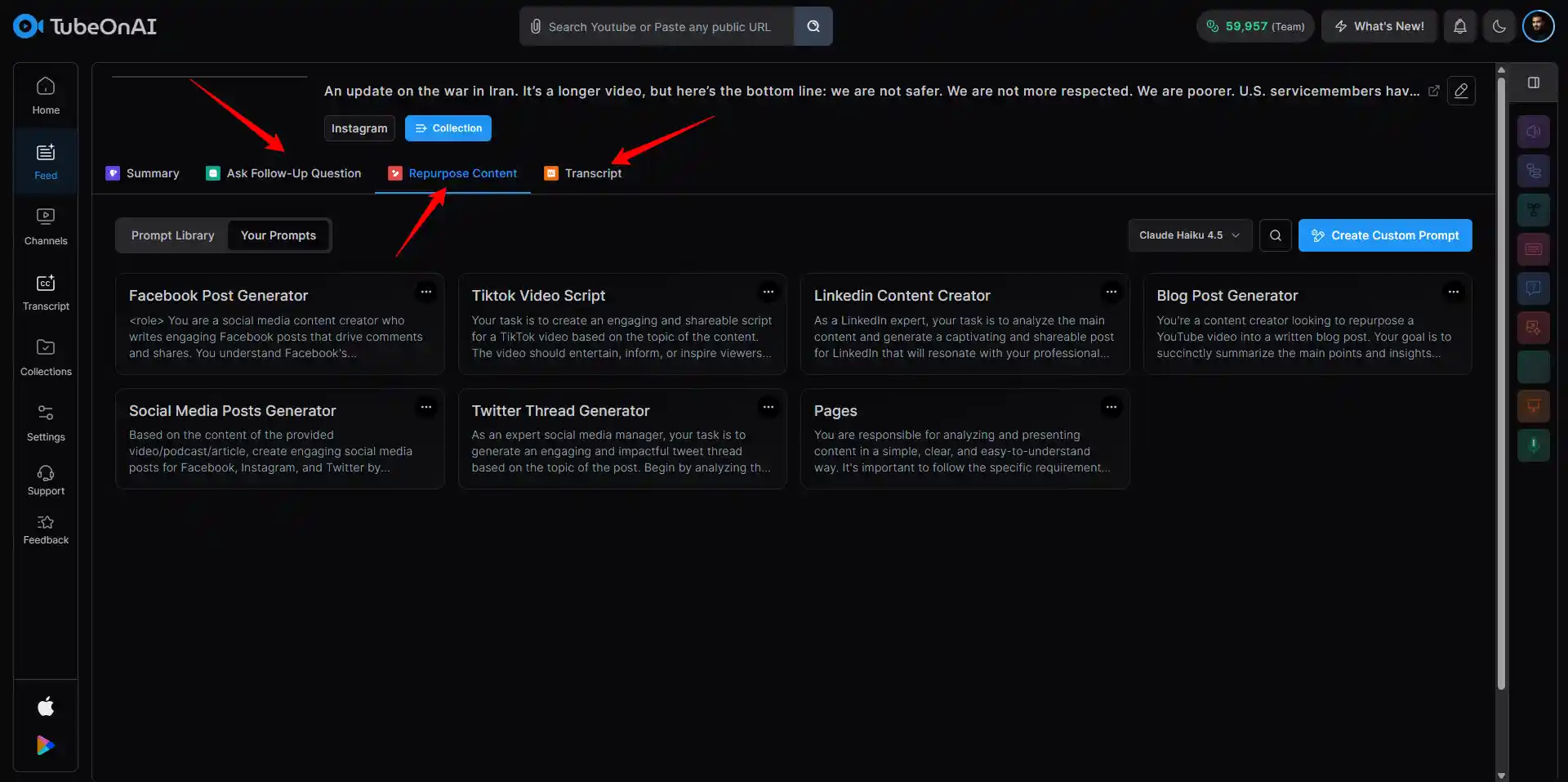
TubeOnAI extracts the headline takeaway, key talking points, and any concrete numbers or quotes. Switch between short summary, detailed breakdown, or chapter-style outline. Regenerate if the framing misses the angle you wanted.
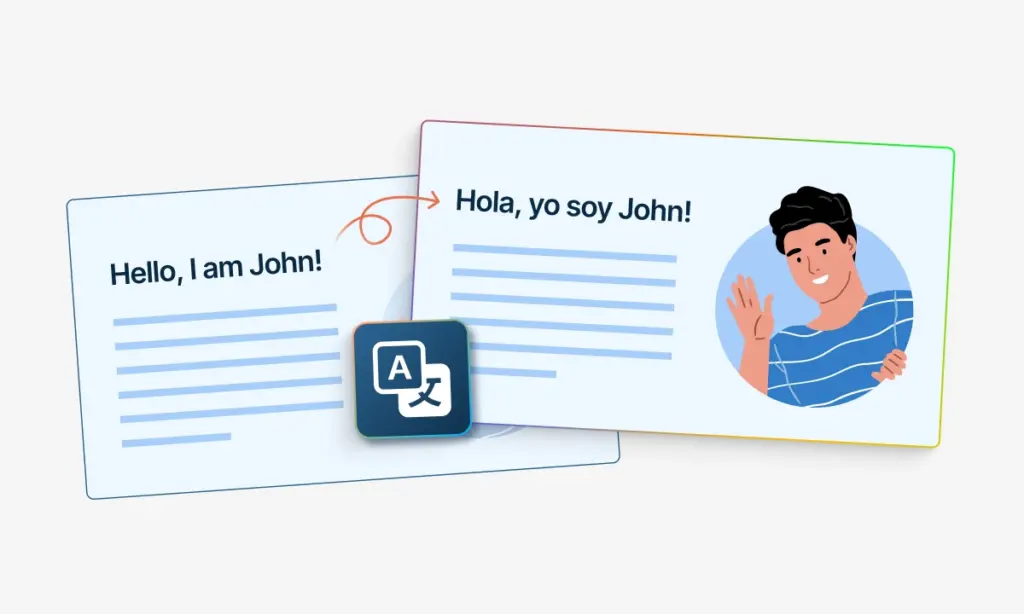
Try for freeCopy the summary, download a transcript, or translate it into another language. Or pivot the same video into a key-quote list, a tweet thread, or a shareable chapter outline without re-uploading.
Try for freeSkim, don't scroll. The Instagram video summarizer reads the full audio, captions, and on-screen text from any public Reel, post, or IGTV upload, then hands you the headline takeaway, key points, and any specific numbers or quotes. Pivot the same source into a transcript, key-quote list, or tweet thread.
Why rewatch the same Reel four times? The Instagram video summarizer turns one upload into a tight summary, a full transcript, a key-quote list, and a tweet-thread version, all from the same source.
Copy the summary. Drop it into a research doc, a creative brief, your editorial CMS, or a Slack thread. The Instagram video summary keeps the structure intact: headline takeaway up top, key points beneath, quotes pulled out for citation.
Plain text for Slack and email. Markdown for Notion or Obsidian. PDF for the brief you send the team. JSON for piping the summary and transcript into your own tools. The Instagram video summarizer covers all four.
Free to try. No credit card. Every run from the Instagram video summarizer includes the transcript, key-quote list, and tweet-thread version, not paywalled extras.
Mine top-performing Reels for hooks, beat structure, and pacing. Run a competitor video through the Instagram video summarizer and see exactly why the post landed, then write your own version from the source notes.
Trend tracking, competitor monitoring, customer research. The Instagram video summarizer surfaces the substance from a 10-minute brand interview Reel in 60 seconds, so research time goes to insight instead of rewatching.
Source quotes from public-figure Reels, build a citable summary from a 30-minute lecture clip, or pull the through-line from an interview series. Faster prep, tighter notes, cleaner sourcing.
Patient-education content lives on IG now. I used to watch every viral wellness Reel myself before deciding whether to share it. The Instagram video summarizer hands me the takeaway in 60 seconds. I share more, watch less, and the summary doubles as a handout.
I study three top Reels in my niche every morning. Used to take 90 minutes. Now I run them through the Instagram video summarizer and have the hooks, beats, and CTAs side by side in 10 minutes. My own posts hit harder.
Half my course materials are professor Reels and Instagram lectures now. I summarize each one before exam week, drop the summaries into my study notes, and skip rewatching the long ones. Saved a full study weekend last semester.
Conference panels live on Instagram before they hit YouTube. I run the Reels through this Instagram video summarizer and walk into class with the latest field updates already digested. Lecture relevance is up, prep time is down.
Customer research used to mean watching every Reel they tagged us in. Now the Instagram video summarizer pulls the headline takeaway and any concrete numbers from each one. Quarterly insight reports finished in half the prior time.
Trading commentary on IG is goldmine and noise. The Instagram video summarizer pulls the actual setup or thesis out of each Reel and skips the filler. Saves me an hour a day, easy.
There are tons of things you can do with our tool. Try everything listed below for free.
Three steps. Paste the public Instagram video URL, or upload your own MP4. The Instagram video summarizer reads the full audio, captions, and on-screen text, then returns the headline takeaway, key talking points, and any concrete numbers or quotes in under 60 seconds. Edit, copy, or export.
Four. Plain text, Markdown, PDF, and JSON. The Instagram video summarizer also returns a transcript on request, useful for clipping quotes, building captions, or feeding the original audio into other tools.
Yes. Once the video is uploaded, the Instagram video summarizer pivots the same source into a full transcript, a key-quote list, or a tweet-thread version with no re-upload. Switch formats inside the workspace.
Because most Instagram summaries hit several tools before they hit a final brief. JSON pipes the summary, transcript, and quote list into your CMS, your research database, or your editor's automation. The Instagram video summarizer ships JSON by default for that reason.
Voice-driven Reels with clean audio give the cleanest summaries. Interview clips, lecture excerpts, brand explainers, and tutorial Reels rank highest. Loud background music, low-quality audio, or pure-visual content still works, but tends to produce thinner summaries.
Yes, often. Hit Regenerate, optionally pick a different framing (executive, detailed, chapter-style), and the Instagram video summarizer rebuilds from the same source. Versions sit side by side for comparison.