
Organise into collections
Organise your Google Docs into topic-based folders from the collection feature and research in a very organized way.
Turn your Google Docs into simple, structured mind maps with TubeOnAI; a perfect tool to make complex information easier to understand and faster to remember.
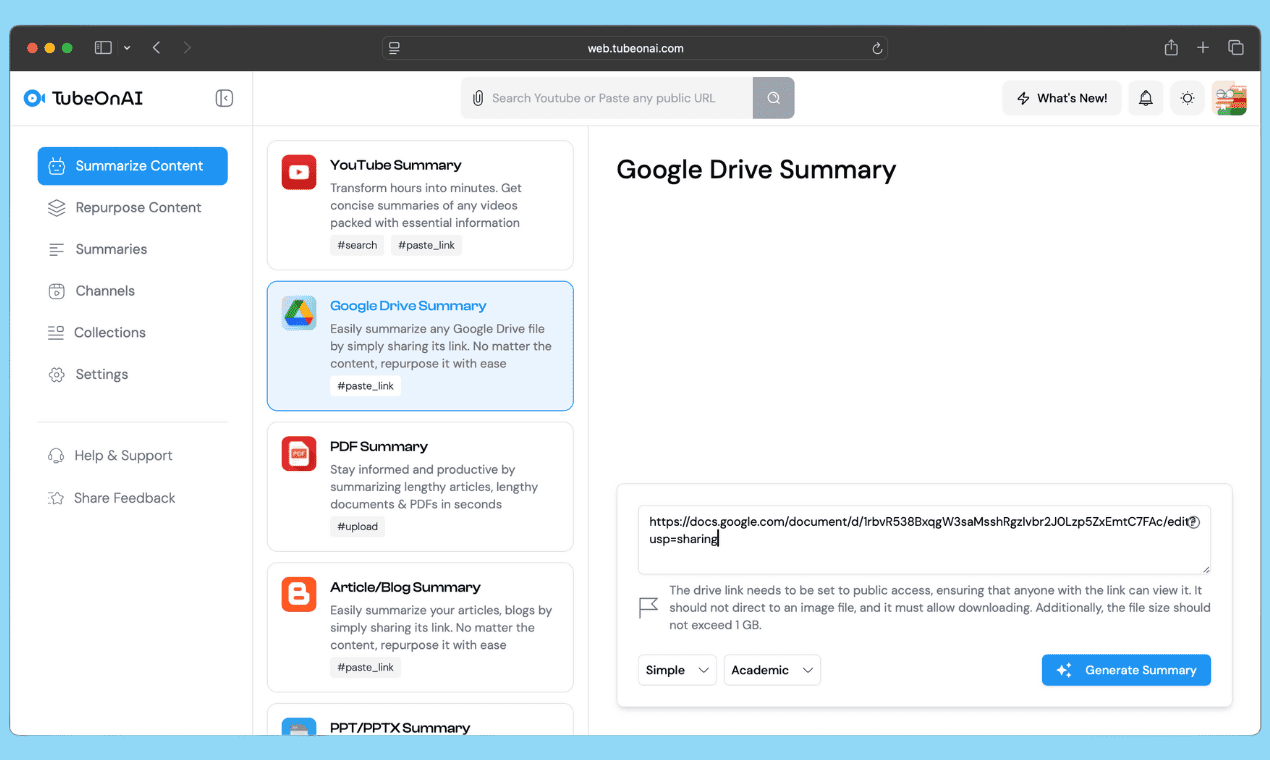
After logging in to TubeOnAI, you will see an option to summarize your Google Drive. Paste the link of your Google Doc, ensuring that edit access is enabled beforehand.
Try for free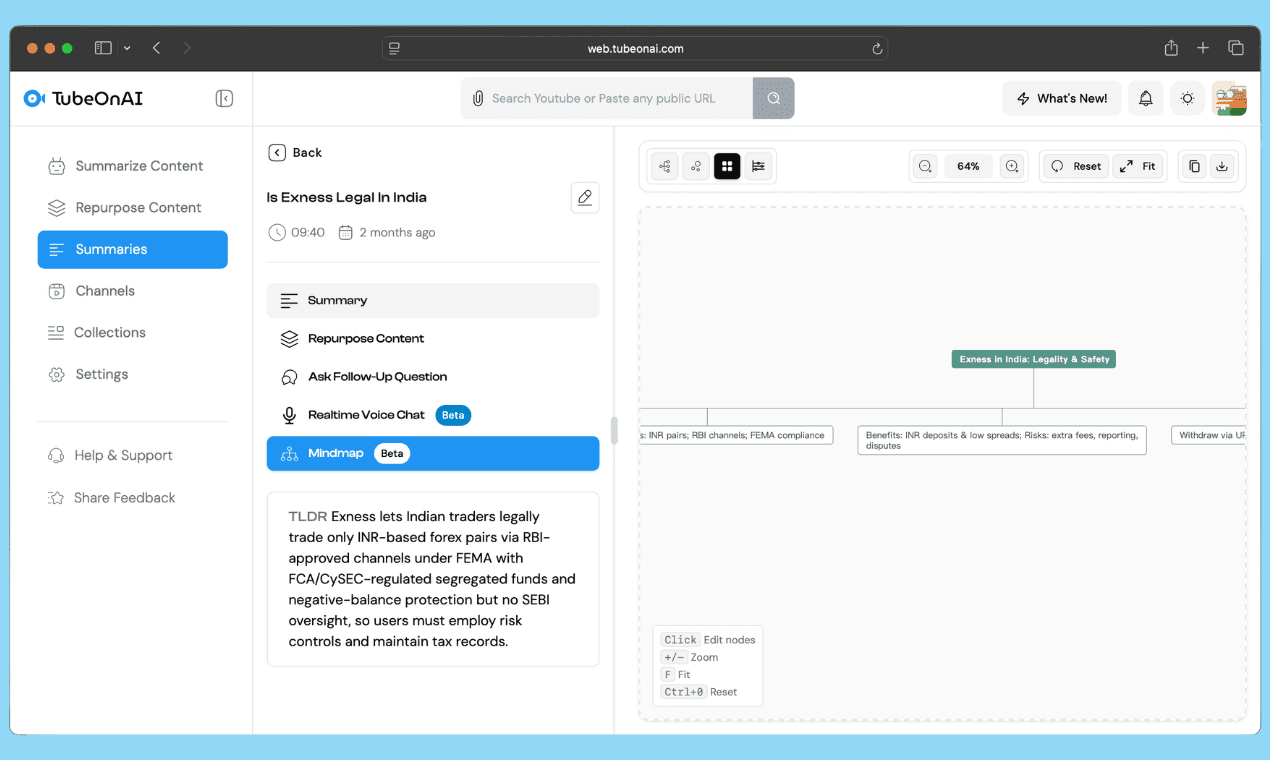
Summarize your Google Doc first, then select the mind map feature to transform your content into a clear, structured diagram.
Try for freeTurn your Google Docs into detailed mind maps and ease your thinking process.
Organise your Google Docs into topic-based folders from the collection feature and research in a very organized way.
Once your mind map is ready, you can ask follow-up questions if you have any queries or want to know more, allowing you to gain deeper insights.

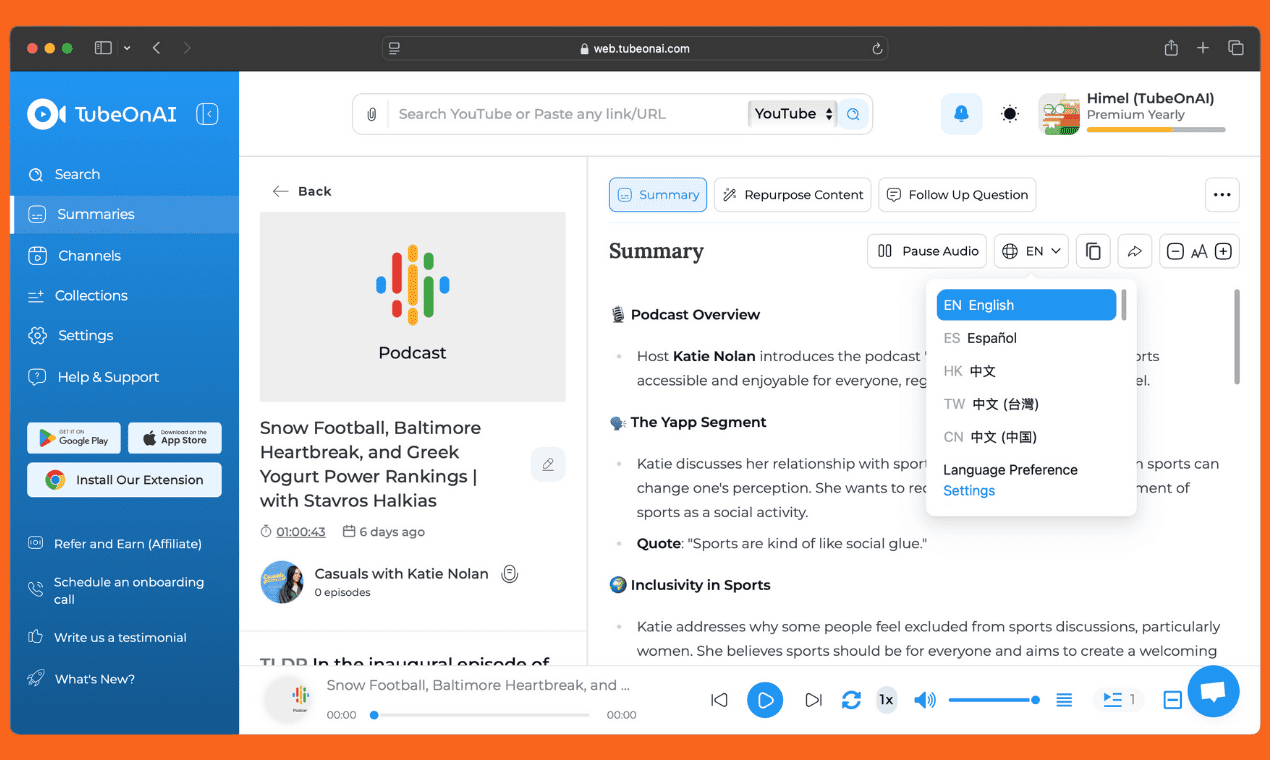
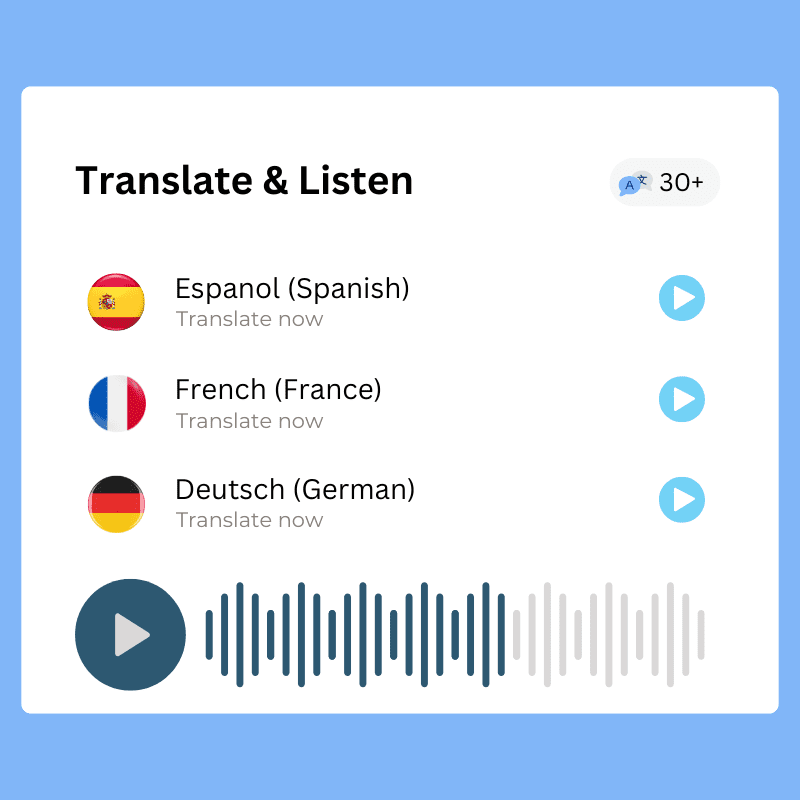
Not only mind map, you can also generate new content like blog posts, video scripts, or web articles using the 'repurpose' feature, and translate it into your preferred language.
Turn your Google Doc lecture notes into visual mind maps for faster studying and better understanding.
Convert meeting notes or project plans into structured mind maps that boost team clarity and productivity.
Turn long research, thesis structures or literature reviews into mind maps, straight from your Google Docs.
Simplify case briefs, contracts, or client notes into structured visual outlines for faster review and better analysis.
It turns your Google Docs into simple, structured mind maps with TubeOnAI, making complex information easier to understand and faster to remember.
Lecture notes, meeting notes, project plans, research, thesis structures, literature reviews, and case briefs all work well for mind mapping straight from your Google Docs.
Once your mind map is ready, you can ask follow-up questions to gain deeper insights and refine your understanding of the content.
Yes. You can copy or download the mindmap easily for your further use.
Yes. With multilingual support you can translate your mind map and repurposed content into your preferred language.