TubeOnAI Summer Sales: Get 70% OffGrab Deal Now
Channel Subscription

Channel Subscription - TubeOnAI

Subscribe to your favorite YouTubers and instantly receive auto-summaries via mobile or email.

Available on
  • Web
  • iOS
  • Android
  • Chrome
Channel Subscription

Subscribe & Stay Updated Automatically

Follow your favourite creators and let TubeOnAI summarise their new content for you.

Subscribe to YouTubers & Podcasters

Subscribe to YouTubers & Podcasters

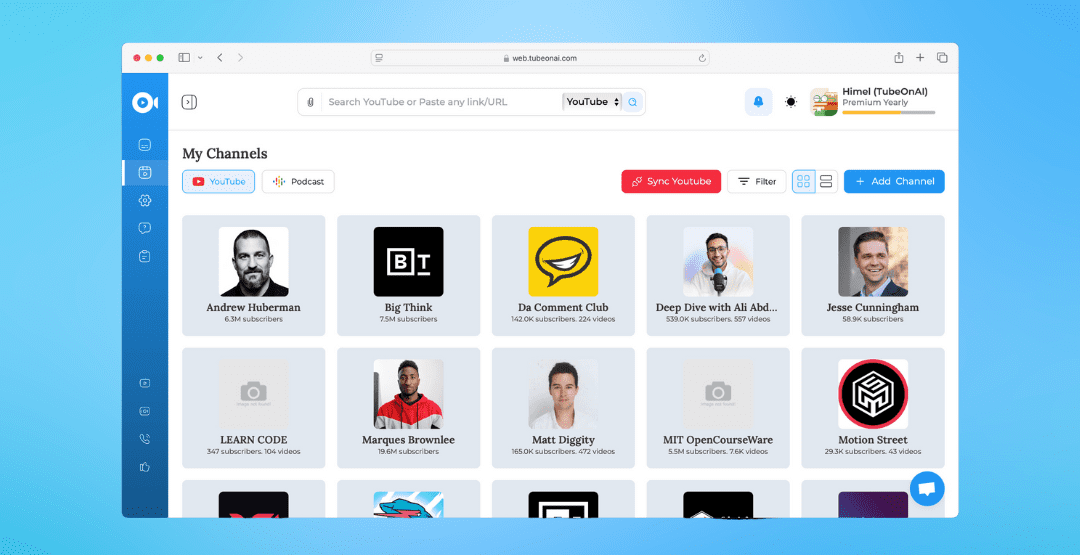
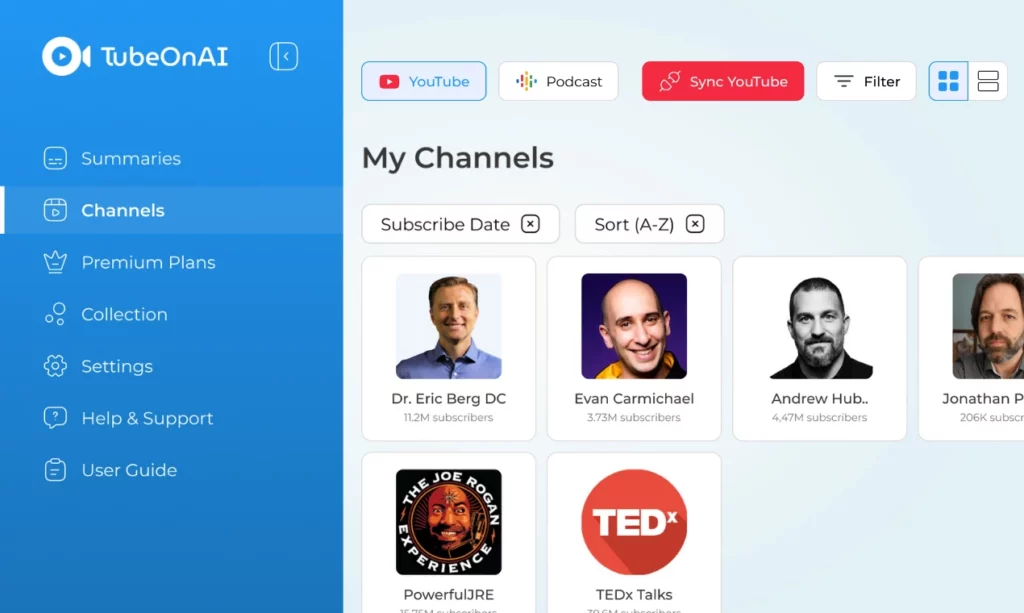
Just by searching the creator's channel name on our platform, you can easily follow them to stay updated at all times. If you use the extension, the whole process becomes even easier due to the integrated TubeOnAI subscribe button on YouTube next to the channel name.
Import your channels

Import your channels

Simply by clicking our 'Sync YouTube' button in the channel section, you can easily import your channels from your YouTube account. You can even select which channels you want to import and which ones you don't. It's that simple. Note: we don't access any other information except for your channel list.

Enjoy Auto Summaries

With this feature, you'll be directly notified about summaries of creators' new content, keeping you ahead of others. You can either enable auto-summaries for all your favourite YouTube channels or select them manually.

Translate & Listen

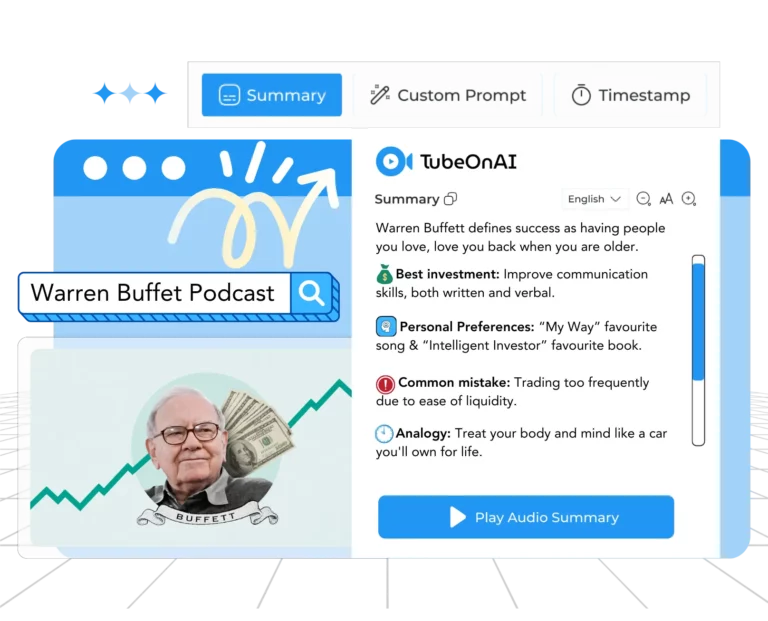
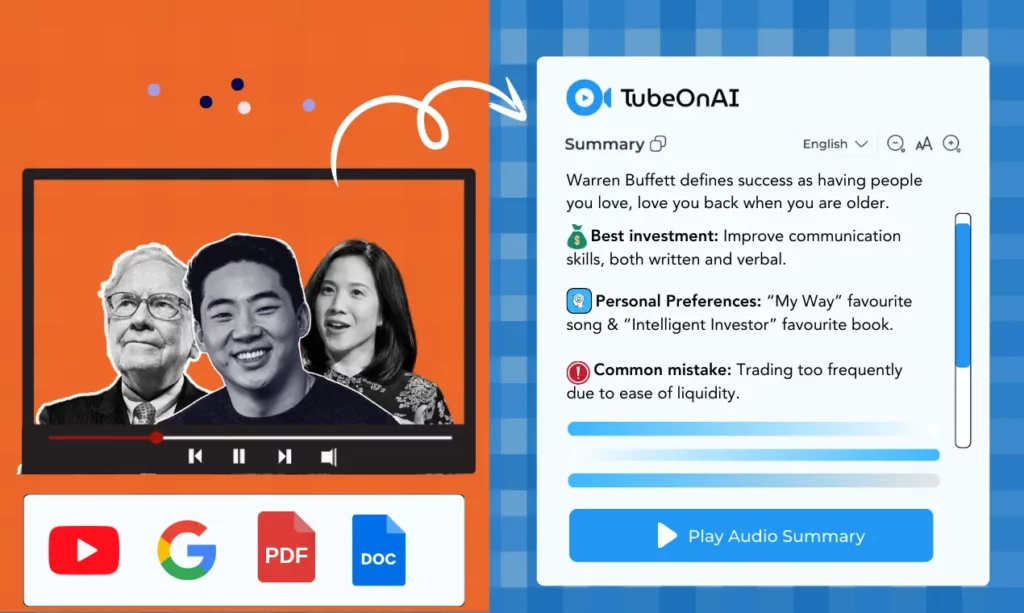
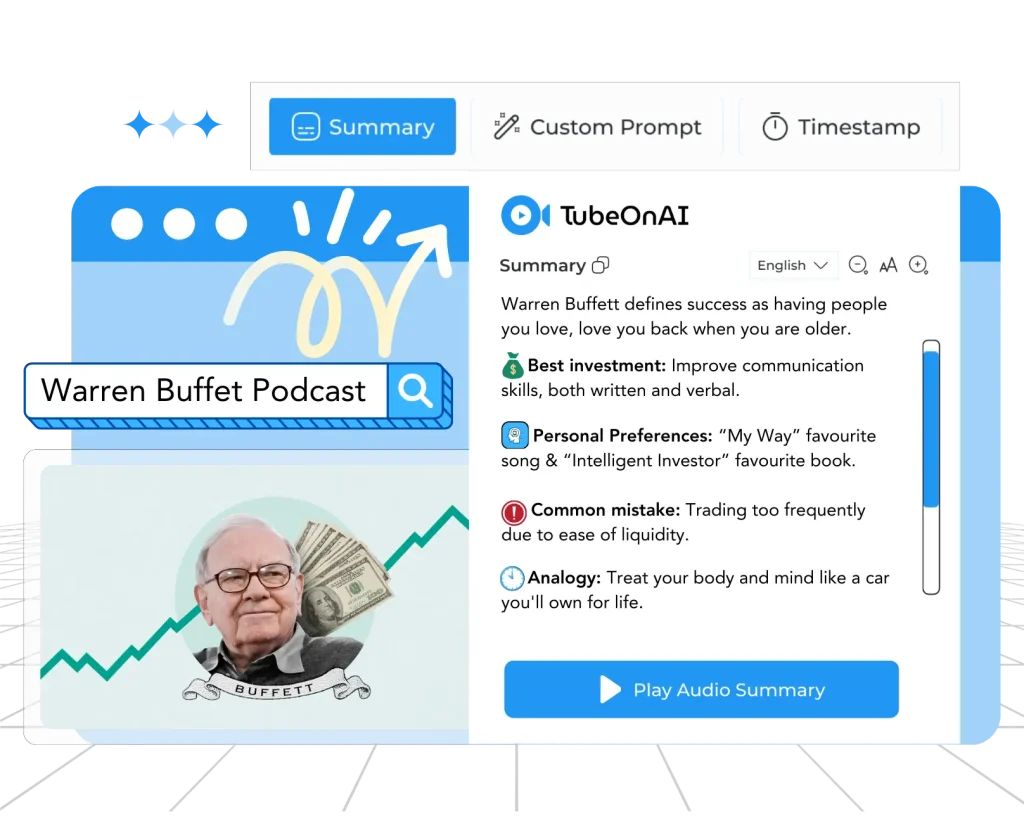
Translate your YouTube video summaries into 30 different languages and listen to them in advanced, native-sounding AI voices.

Any language videos

No matter what language your creator speaks, you can still subscribe to their channel and have their videos summarized smoothly.

Collections

Create a collection of your content, all in one category, and then ask follow-up questions or repurpose it based on the entire list.

How to Subscribe Creator's Channels

Follow these 6 steps to subscribe your first creator's with ease.

1

Sign up for TubeOnAI

Sign up for TubeOnAI (it's free).

Try for free
2

Add a new channel

Go to channels > Add new channel.

Try for free
3

Search the YouTuber's name

Search YouTuber's name.

Try for free
4

Subscribe to the channel

Now enter into their channel and click subscribe.

Try for free
5
Sync your channels

Sync your channels

Done — you can also use "Sync Channels" to import.

Try for free
6

Enable auto summaries

Then enable the auto summary option if you want.

Try for free

TubeOnAI For Anyone, Anywhere

Summarize lengthy YouTube videos, Podcast & Article to learn new skills and stay ahead of the competition.

Academics

Create high-quality essays, quizzes, study materials, and research articles to simplify your academic journey.

Marketers

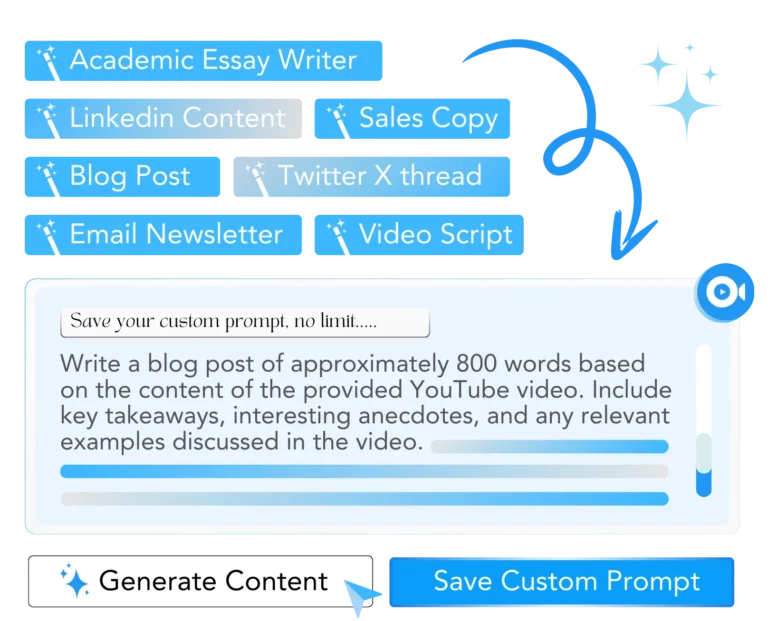
Easily craft email newsletters, social media posts, video scripts, etc., and maximize your content marketing efforts.

Content Creators

Generate engaging blog posts, video & podcast scripts, and more to supercharge your content creation process.

Explore our other Features

& boost your productivity.

Web Content Summarizer

Web Content Summarizer

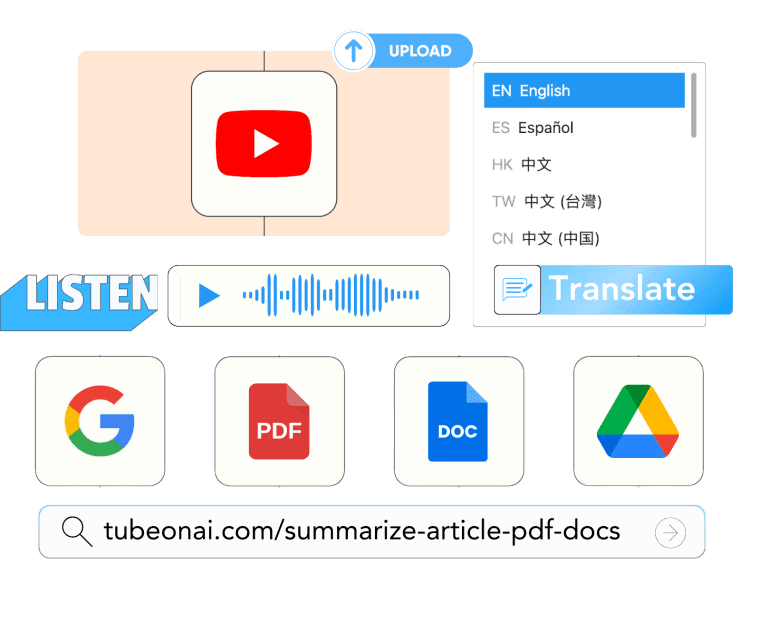
From web articles & PDFs to Google Docs and Drive files, summarize any public URL with a single click.

Podcast Summarizer

Podcast Summarizer

Listen to audio summaries of podcast episodes in your native language, subscribe podcasters, & more.

Repurpose Content

Repurpose Content

Repurpose your YouTube videos or articles and generate amazing content based on authentic sources & information.

Subscribe to your favourite creators for free

Get Started Free